1
Modules
Bluetooth Configuration in Windows Vista
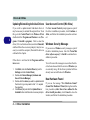
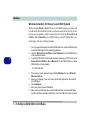
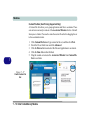
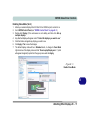
Setup your Bluetooth Device so the Computer Can Find it
1.
2.
Turn your Bluetooth device (e.g. PDA, mobile phone etc.) on.
Make the device discoverable (to do this check your device documentation).
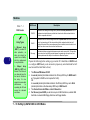
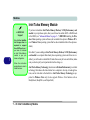
Bluetooth Taskbar
Icon
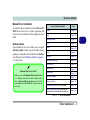
To Turn the Bluetooth Module On
1.
2.
3.
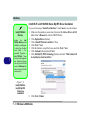
Press the Fn + F12 key combination to power on the Bluetooth module.
A Bluetooth icon will appear in the taskbar (see sidebar).
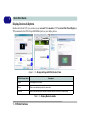
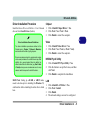
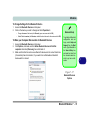
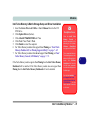
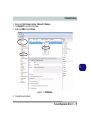
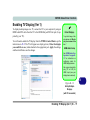
You can then do any of the following to access the Bluetooth Devices control
panel.
•
•
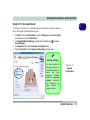
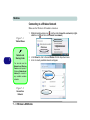
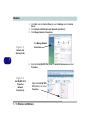
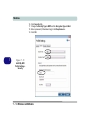
Double-click the icon
to access the Bluetooth Devices control panel.
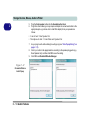
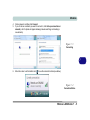
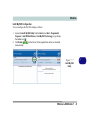
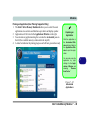
Click Start, and click Control Panel (or point to Settings and click Control Panel), and then
click Bluetooth Devices (Hardware and Sound).
•
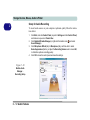
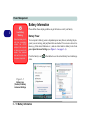
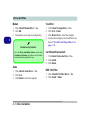
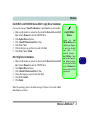
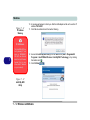
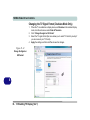
Click/Right-click the icon
and choose an option from the menu.
If you cannot see the
Bluetooth icon in the
taskbar, access the
Bluetooth
Devices
control panel. Click Options (tab), and make
sure that Show Bluetooth icon in the notification area check box
(Connections) has a
tick inside it.
Note that you will need
to check the LED indicator to see if the module
is powered on or not.
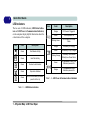
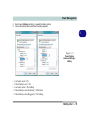
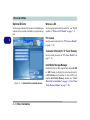
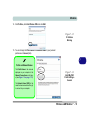
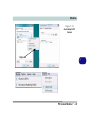
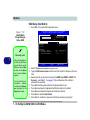
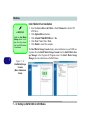
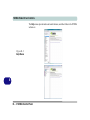
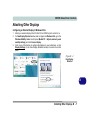
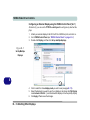
Figure 7 - 24
Bluetooth Devices &
Click Icon Menu
Bluetooth Module 7 - 29
7