1
1
Quick Start Guide
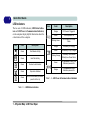
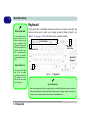
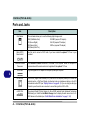
LED Indicators
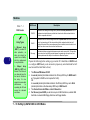
The two sets of LED indicators (LED Status Indicators and LED Power & Communication Indicators)
on the computer display helpful information about the
current status of the computer.
Icon
Color
Description
Green
Card Reader Activity
Green
Hard Disk Activity
Green
Number Lock Activated
Green
Caps Lock Activated
Green
Scroll Lock Activated (to activate
press Fn & Scr Lk)
Table 1 - 1 - LED Status Indicators
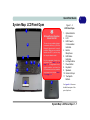
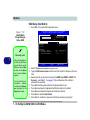
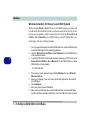
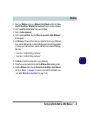
1 - 8 System Map: LCD Panel Open
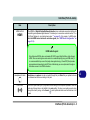
Icon
Color
Description
Orange
DC Power is Plugged In
Green
The Computer is On
Blinking Green
The Computer is in Sleep
Mode
Orange
The Battery is Charging
Green
The Battery is Fully Charged
Blinking Orange
The Battery Has Reached
Critically Low Power Status
Green
The (optional) Wireless LAN
Module is powered On
Orange
The (optional) Bluetooth
Module is powered On
Table 1 - 2 - LED Power & Communication Indicators