1
7
1
2
3
4
5
6
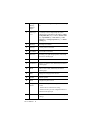
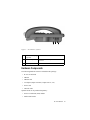
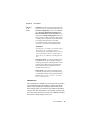
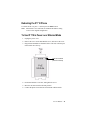
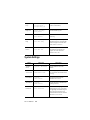
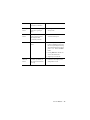
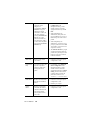
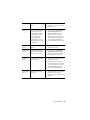
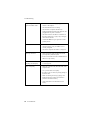
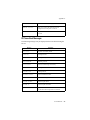
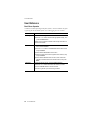
Figure 2. IP 710 Phone, Bottom View
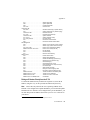
1
DC Port
Connects to power outlet
2
Power Cable
Restraint
Secures the power cable, preventing it from
accidentally being pulled out
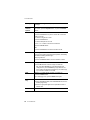
3
DC/PoE Switch Switches between DC power and Power over
Ethernet
4
PC Access Port Connects to PC (10/100 Base T)
5
LAN Port
Connects to network (10/100 Base T)
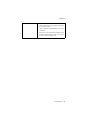
6
PoE Module
Cover
Covers the optional Power over Ethernet Module
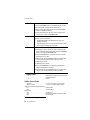
7
Slots for the
Phone Stand
Four slots on each side for inserting the phone
stand to set the phone at the desired angle
IP 710 Manual
4