1
KUDZU Media Player Orientation
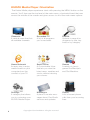
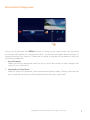
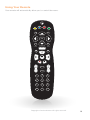
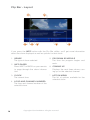
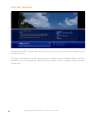
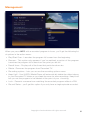
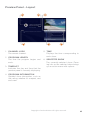
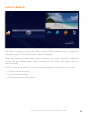
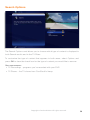
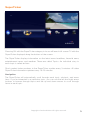
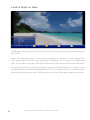
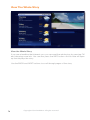
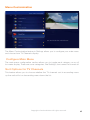
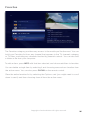
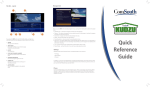
The Kudzu Media player experience starts with pressing the MENU button on the
remote. You’ll then see the top level of the main menu, a horizontal band that runs
across the middle of the screen and gives access to all of the main menu options.
4
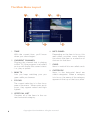
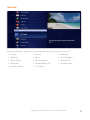
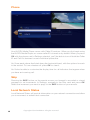
Channels
A vertical menu that lists
all available channels.
Recorded TV
A list of all programs
you’ve recorded.
Search
Options to search for
programs by title, key
word or by category.
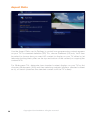
Home Network
An easy way to enjoy
media stored on your
computer from the
comfort of your TV.
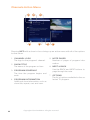
SuperTicker
A customizable ticker
that lets you view the
latest news, weather and
stocks without missing
your shows.
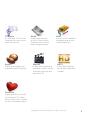
Games
A variety of classic
games like Blackjack
and Slot Machine.
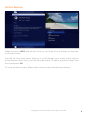
Settings
A category that allows
you to customize your
KUDZU Media Player.
Messages
A place to receive messages about ComSouth
services and updates.
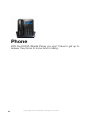
Phone
A list of recent phone
calls from your incoming
lines.
Copyright©ComSouth2014. All rights reserved.