1
Direct3D Settings (continued)
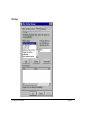
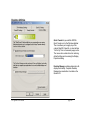
PCI Texture Memory Size
This allows the graphics processor to utilize up to specified amount of system memory for texture storage (in
addition to the memory installed on the display adapter itself).
Note: The maximum amount of system memory that can be reserved for texture storage is calculated based on
the amount of physical RAM installed in your computer. The more system RAM, the higher the value you will be
able to set. This setting applies only to PCI display adapters (or AGP display adapters running in PCI
compatibility mode).
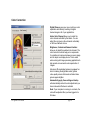
Custom Direct3D Settings
A list of the custom settings (or “tweaks” ) you have saved. Selecting an item from the list will activate the
custom setting. To apply the setting, choose the “OK” or “Apply” button.
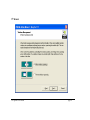
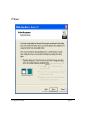
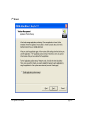
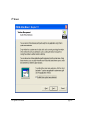
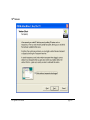
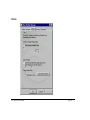
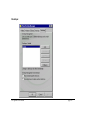
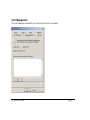
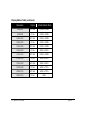
More Direct3D brings up the following dialog box.
PNY Quadro User Manual
page 46