1
Getting Started new.book Page 5 Monday, August 27, 2001 1:49 PM
How Do I Find
Information on
the Learning
More CD?
The My Presario—Learning
More CD has information
on the following topics:
➜
Advanced features of
your computer
➜
Solving computer
problems
➜
Safety and comfort
➜
Compaq Help &
Support
➜
Upgrading your
computer
➜
Government regulatory
information
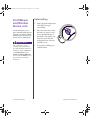
Did you know ...
Electronic documents often
have hyperlinks to help you
find information quickly. When
you pass the cursor over a
hyperlink, a small hand S is
displayed. When you click a
hyperlink, it jumps to the
referenced page. Hyperlinks
are represented by navigation
buttons, colored text, and
images.
MY PRESARIO—GETTING STARTED
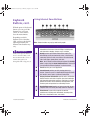
Using the My Presario—Learning More CD
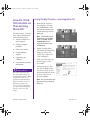
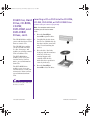
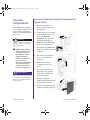
1. Insert the My Presario—
Learning More CD into
the CD-ROM drive. The
CD will run automatically
and the main page will be
displayed.
Note: If the CD does not run
automatically, click the Start
button, select Run, and type
E:autorun.exe (where E
represents the letter of your
CD-ROM drive).
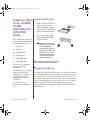
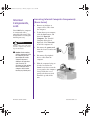
2. On the Learning More
CD Online Documentation
main page, hover your
cursor over a topic to see
a list of subtopics.
3. Click one of the topics on
the main page to view
its contents.
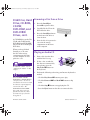
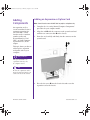
4. On the topic page, click
one of the subtopics that
you want to view, or click
the forward and back icons
to move to the next or
previous subtopic.
Note: You can return to the main
page at any time by clicking the
Home icon.
INTRODUCTION 1-5