1
Getting Started new.book Page 8 Monday, August 27, 2001 1:49 PM
E-mail, cont.
You receive e-mail messages
automatically, even when
your computer is shut down!
Your ISP stores these
messages until you decide to
open your e-mail program
and read them.
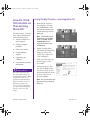
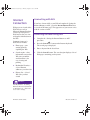
Reading Your Outlook Express
E-mail Messages
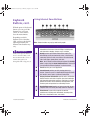
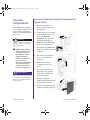
1. Press the Instant E-mail ƒ
button on the Internet
keyboard.
2. Click Inbox. New messages
appear in bold type.
3. Double-click the message to
display the message text.
4. Click the Close P button in
the upper right corner of the
screen to close the e-mail, or
press the Delete key on the
keyboard to delete the
message.
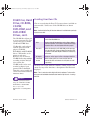
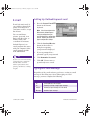
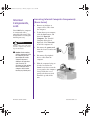
Reading Your AOL E-mail Messages
1. Press the Instant E-mail ƒ
button on the Internet
keyboard.
2. Click the Read icon. New
messages appear in bold type.
3. Double-click the message to
display the message text.
4. Click the Close P button in
the upper right corner of the
screen to close the e-mail, or
press the Delete key on the
keyboard to delete the
message.
3-8 WELCOME TO THE WEB
MY PRESARIO—GETTING STARTED