1
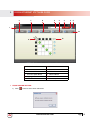
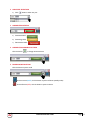
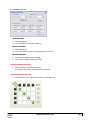
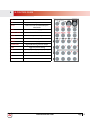
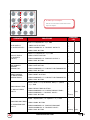
9) MAPPING BUTTON
SAVE MAPPING:
a) select mapping(1-8)
b) click “save” button to save current mapping
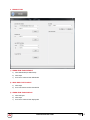
PRESET MAPPING:
a) select mapping(1-8)
b) click “recall” button to recall previous mapping which are saved
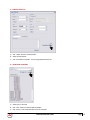
RENAME MAPPING:
a) rename the mapping(mapping1-mapping8)
b) click “confirm” button to confirm the change
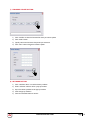
10)DEFAULT RESET BUTTON
a) Click this button to do factory default reset
* The default reset process will take about 80~90 seconds
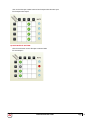
11)IN/OUT SWITCH BUTTON
a) Click the button on the checkerboard to select input & output port
www.avenview.com
Page
15