1
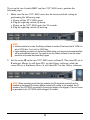
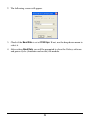
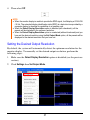
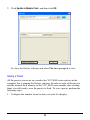
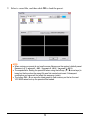
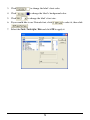
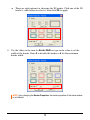
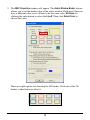
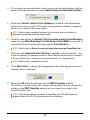
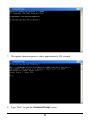
4. Then select Off.
NOTE:
When the monitor display is unable to provide the EDID signal, it will display at 1024×768
/ 60 Hz. The extended display identification data (EDID) is a data structure provided by a
computer display to describe its capabilities to a graphics card.
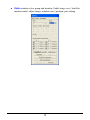
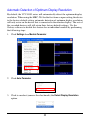
When the Detect Display Resolution option is selected (with checkmark), all the
presets will be displayed in the optimum resolution.
When the Detect Display Resolution option is unselected (without checkmark) and you
have set the desired resolution using the Set Output Mode option, all the presets will be
displayed in the desired resolution that you have set.
Setting the Desired Output Resolution
By default, the system will automatically detect the optimum resolution for the
monitor display. To manually set the desired output resolution, perform the
following steps:
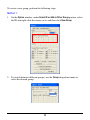
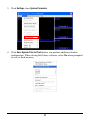
1. Make sure the Detect Display Resolution option is disabled (see the previous
section).
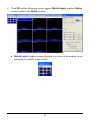
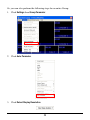
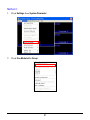
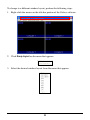
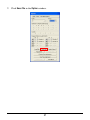
2. Click Settings then Set Output Mode.
57