1
Configuring the Cluster Service
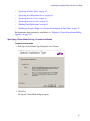
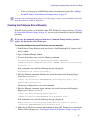
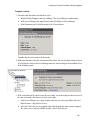
To install the Failover Clustering featurer:
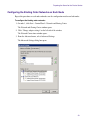
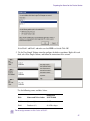
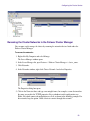
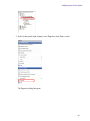
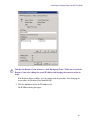
1. On the first node, right-click My Computer and select Manage.
The Server Manager window opens.
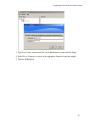
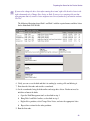
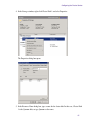
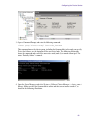
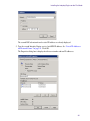
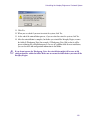
2. In the Server Manager list, click Features.
3. On the right-side of the Features window, click Add Features.
A list of features is displayed.
n
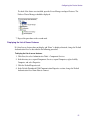
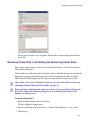
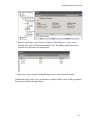
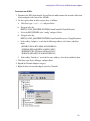
If a list of Features does not display and “Error” is displayed instead, see “Displaying the List
of Server Features” on page 51.
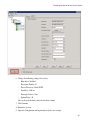
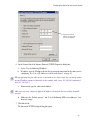
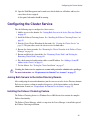
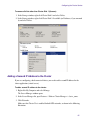
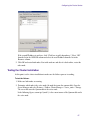
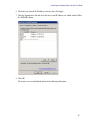
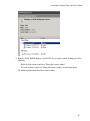
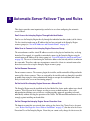
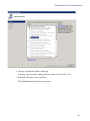
4. Select Failover Clustering from the list of features and click Next.
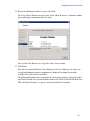
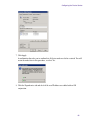
5. On the next screen, click Install.
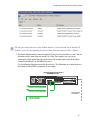
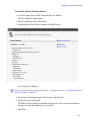
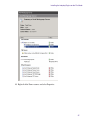
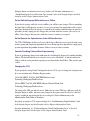
The Failover Cluster Manager installation program starts. At the end of the installation, a
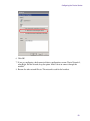
message states that the installation was successful.
6. Click Close.
50