1
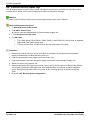
System Components
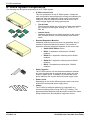
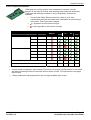
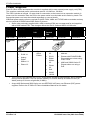
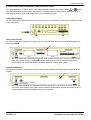
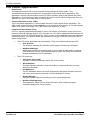
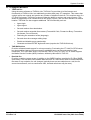
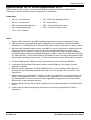
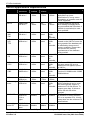
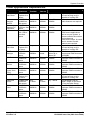
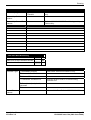
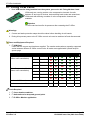
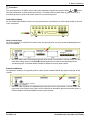
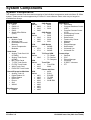
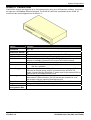
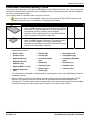
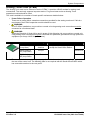
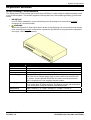
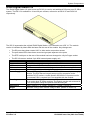
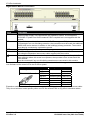
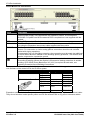
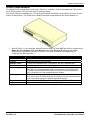
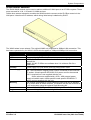
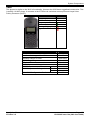
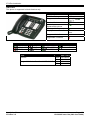
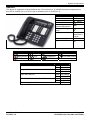
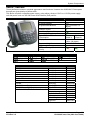
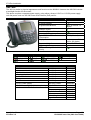
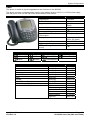
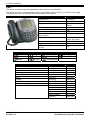
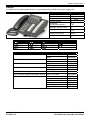
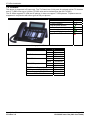
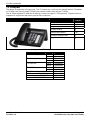
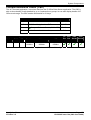
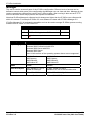
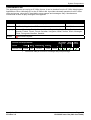
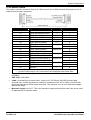
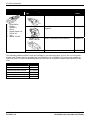
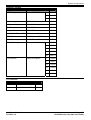
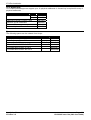
4620IP, 4620SW
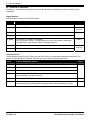
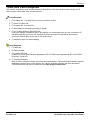
These phones are similar in physical appearance and functions. However the 4620SW's PC data passthrough port gives priority to phone traffic.
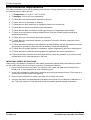
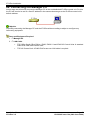
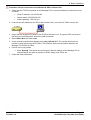
This phone requires a separate power supply, using either a Avaya 1151C1 or 1151C2 power supply
unit and power cord or a 802.3af Power over Ethernet (PoE) source.
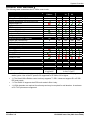
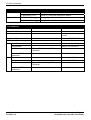
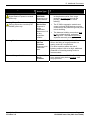
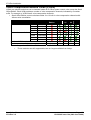
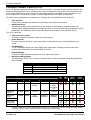
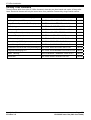
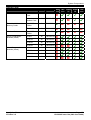
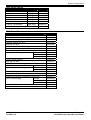
Feature
Connects via
IP Office Release
Programmable Buttons
4620IP
4620SW
IP network.
2.0+
24 (12 buttons x 2
pages).
Headset Socket
Handsfree Speaker/Microphone
Message Waiting Lamp
Typical Off-Hook Power
Consumption
Display
/
Supported Add-Ons
Upgradeable Firmware
PC Pass-Through Port/with Voice
Priority
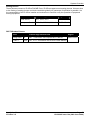
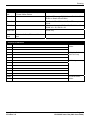
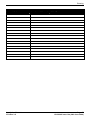
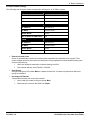
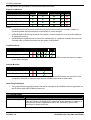
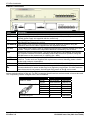
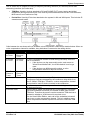
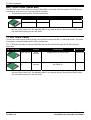
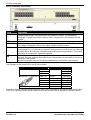
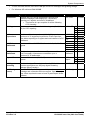
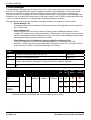
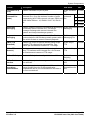
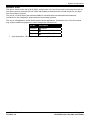
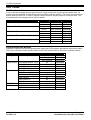
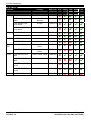
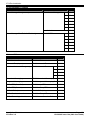
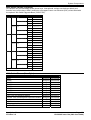
Standard DCP Phone Keys
HEADSET
SPEAKER
MESSAGES
HOLD
DROP
REDIAL
MUTE
TRANSFER
CONFERENCE
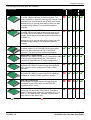
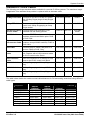
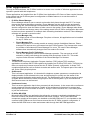
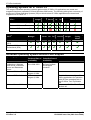
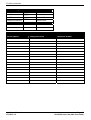
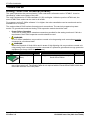
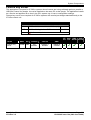
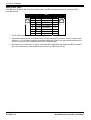
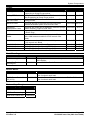
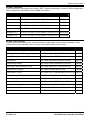
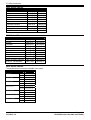
Variant
4620IP
4620SW
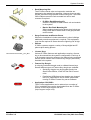
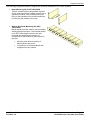
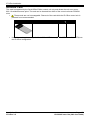
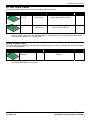
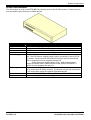
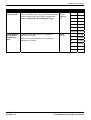
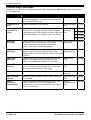
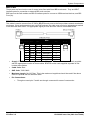
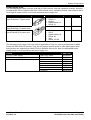
Replacement Handset
Amplified Handset
Noisy Location Handset
Push to Talk Handset
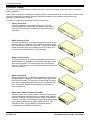
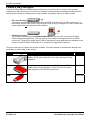
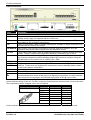
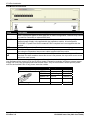
EU24
EU24BL
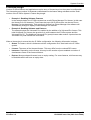
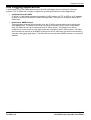
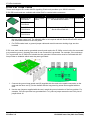
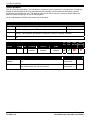
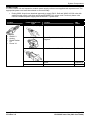
1151C1 Power Supply
1151C2 Power Supply with battery backup.
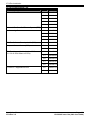
1151C1/1151C2 Power Cord
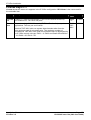
Installation Manual
IP Office 3.2
4W
5.9W
(Class 3)
(Class 3)
29 characters x 7 lines
(168 x 132 pixels)
EU24, EU24BL.
/
/
VOLUME UP
VOLUME DOWN
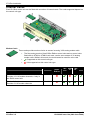
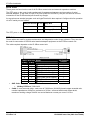
SAP Code
Multi-Grey
700212186
Multi-Grey
700259674
Dark Grey
700203797
Dark Grey
700229735
Dark Grey
700229743
Dark Grey
700229727
Multi-Grey
700381817
Multi-Grey
700381544
With CAT5 cable.
700356447
With CAT5 cable.
700356454
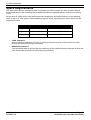
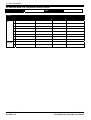
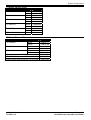
USA
405362641
Europe
407786623
Australia/New Zealand 407786631
India
407790991
United Kingdom
407786599
Argentina
408161453
Page 229
15-601042 Issue 14a (26th June 2006)