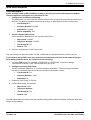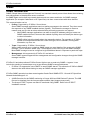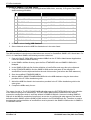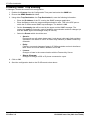
1
System Components
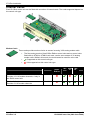
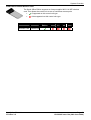
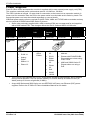
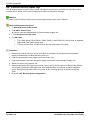
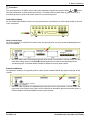
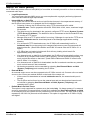
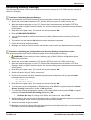
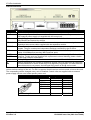
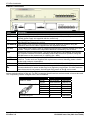
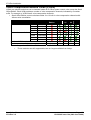
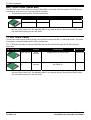
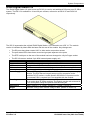
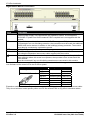
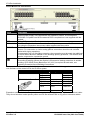
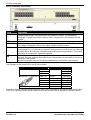
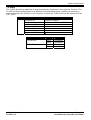
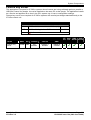
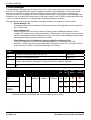
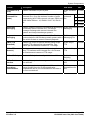
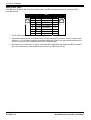
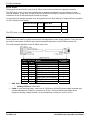
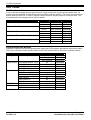
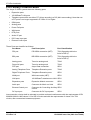
DS Ports
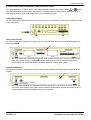
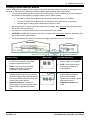
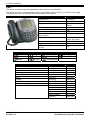
These ports are used for connection from an RJ45 structured cabling system to digital station phones
supported by the IP Office. Though the RJ11 to RJ11 cables supplied with most DS phones can be
plugged directly into RJ45 ports including those on IP Office modules, this is not recommend as the
connection lock is not positive and may become disconnected.
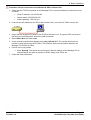
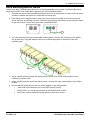
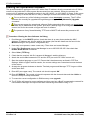
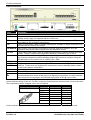
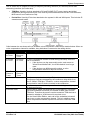
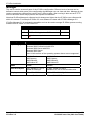
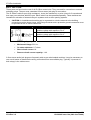
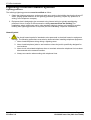
DS ports on Digital Station V1/V2 expansion modules can be connected to out-of-building extensions. If
this is the case, connection must be made via suitable protective devices (IROB 146E) at each end and
via each building primary protection. In addition the Digital Station module must be connected to a
protective ground.
DS ports on IP Office control units must not be connected to out-of-building extensions.
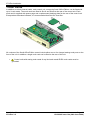
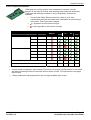
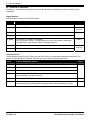
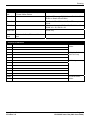
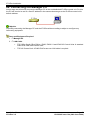
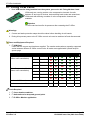
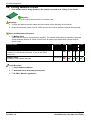
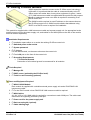
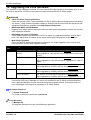
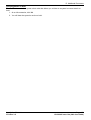
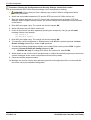
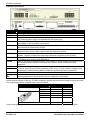
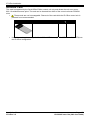
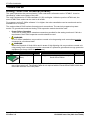
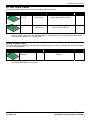
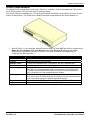
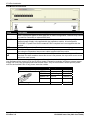
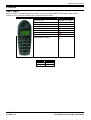
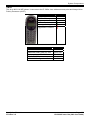
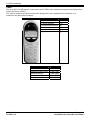
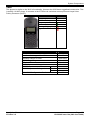
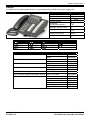
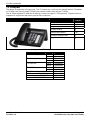
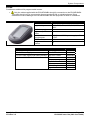
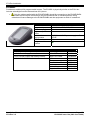
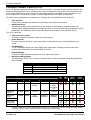
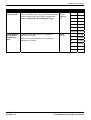
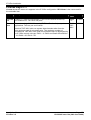
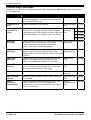
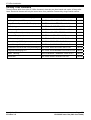
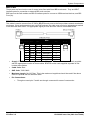
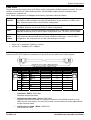
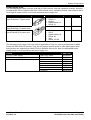
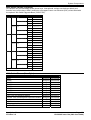
Structured Cabling Line Cord
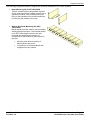
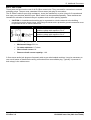
This is an RJ45 to RJ11 cable suitable for connection from a structured cabling system RJ45 port to a
DS phone. It can also be used for two-wire analog phone extensions.
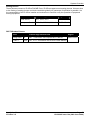
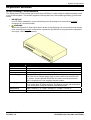
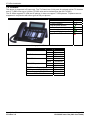
This cable is not suitable for connection from an Avaya 1151C1/B2 power supply unit to a DS phone with
a 4450, EU24 or XM24 add-on module. In those cases the cables supplied with the power supply unit
and the add-on module should be used.
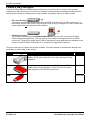
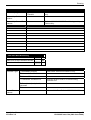
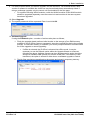
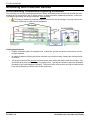
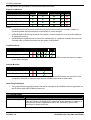
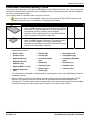
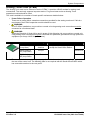
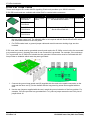
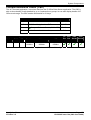
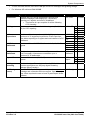
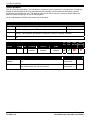
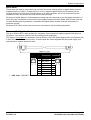
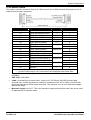
IP Office
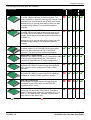
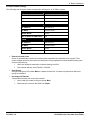
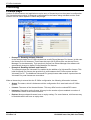
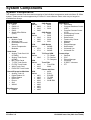
DS Port Pin
1
2
3
4
5
6
7
8
•
Phone
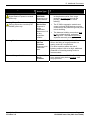
Description Pin Port
–
Not used.
1
Not used.
2
Not used.
Signal 1.
3
Signal 2.
4
5
Not used.
6
Not used.
–
Not used.
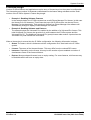
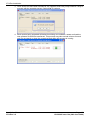
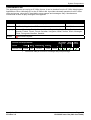
SAP Code: 700047871.
Installation Manual
IP Office 3.2
Page 285
15-601042 Issue 14a (26th June 2006)