1
Operation
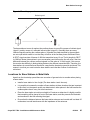
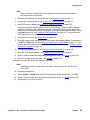
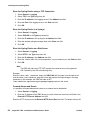
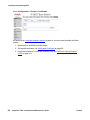
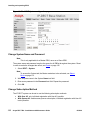
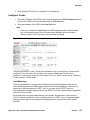
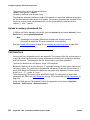
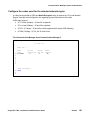
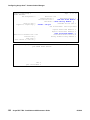
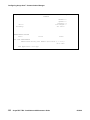
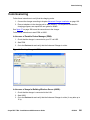
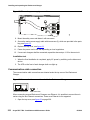
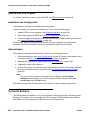
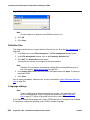
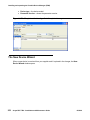
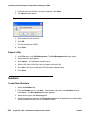
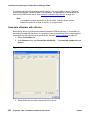
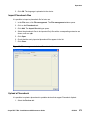
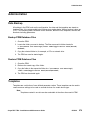
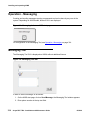
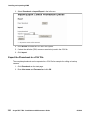
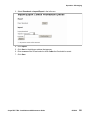
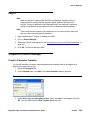
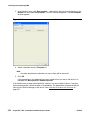
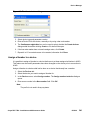
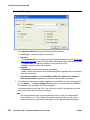
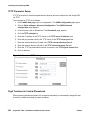
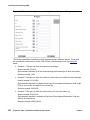
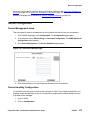
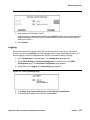
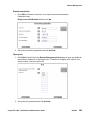
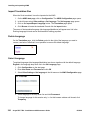
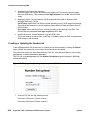
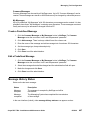
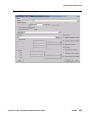
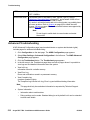
Figure 27: Setting LDAP User Name and Password
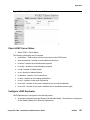
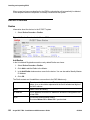
Check LDAP Server Status
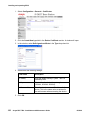
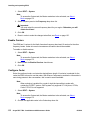
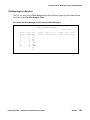
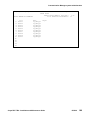
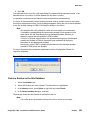
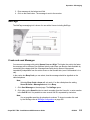
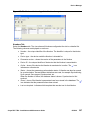
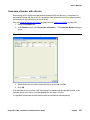
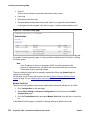
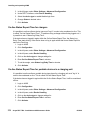
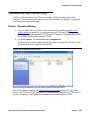
1. Select LDAP > Server Status
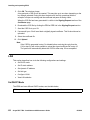
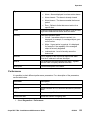
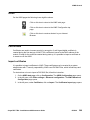
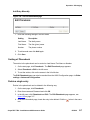
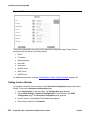
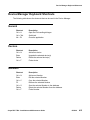
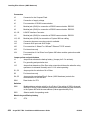
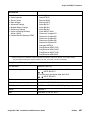
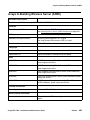
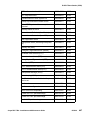
The following information can be checked:
●
connections - Total number of active connections to the LDAP server
●
write connections - Number of write-enabled connections
●
rx search - Number of received search requests
●
rx modify - Number of received change requests
●
rx add - Number of added objects
●
rx del - Number of deleted objects
●
rx abandon - Number of lost connections
●
tx notify - Number of sent change notifications
●
tx error - Number of sent error notifications
●
tx error 49 - Number of sent error notifications due to invalid credentials
●
tx error 50 - Number of sent error notifiatiosn due to insufficient access rights
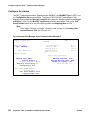
Configure LDAP Replicator
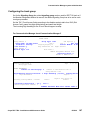
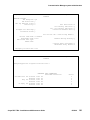
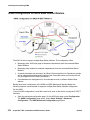
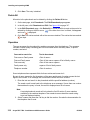
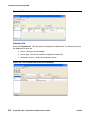
LDAP Replicators are configured in the following cases:
●
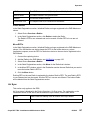
User data is replicated from the Master to the Standby Master. The replicator is configured
on the Standby Master (Full Directory Replication).
Avaya DECT R4 - Installation and Maintenance Guide
05/2010
107