1
INSIDE THE COMPUTER
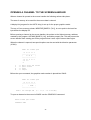
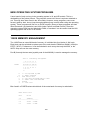
DOS uses the computer’s CIO utility. When a DOS disk is booted a non−resident handler is
loaded into memory. A new handler name, D, is then added to the handler table. When CIO
is called with a device name of D: or Dn:, CIO will search the handler table for that device
name. If the ’D’ is found, the next two bytes in the table point to the DOS entry address.
DOS FILE NAME CONVENTIONS
DOS is unique among CIO handlers in that it requires an eight character file name to follow
the device name. This file name may be followed by a period and then a three character
extender.
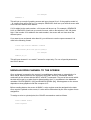
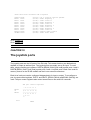
EXAMPLES: D:TEST, D2:FIREMAN, D:VENTURE.EXE, D:CHAPTER.001
The D2: is used for drive number two if present.
The file name must use upper−case letters or numbers. The first character must always be a
letter.
WILD CARDS
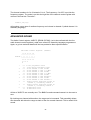
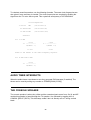
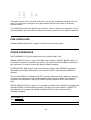
The characters * and ? may be used as wild cards. * means any combination of characters
and ? means any single character.
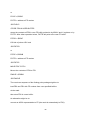
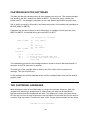
EXAMPLES: D:P*
D:*.EXE
D:*.*
D:F?REMAN
any file beginning with P and
without an extender
any file with the extender .EXE
any file.
one unknown character,
FIREMAN or FOREMAN will match
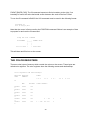
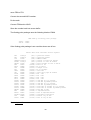
Wild cards can only be used to load, delete, lock and unlock files.
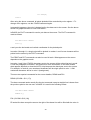
When loading a file using wild cards, only the first matching file will be loaded.
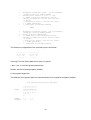
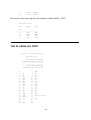
When renaming a file, both the new and old names are expected after the device name.
EXAMPLE: D:OLDNAME.BAS,NEWNAME.BAS
18