1
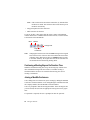
Or, click the Connect button in the toolbar.
Dialing Out
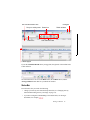
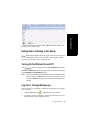
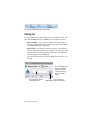
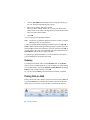
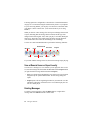
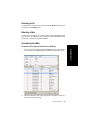
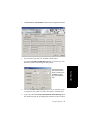
To dial a number, click in the dialing field, enter a number or name, and
then click the Dial button or press Enter on your computer keyboard.
• Enter a number—You can enter a number in the dialing field by
using the standard numeric keys or numeric keypad on your computer,
or by using the dial pad in MaxAgent.
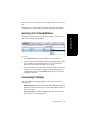
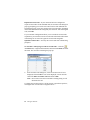
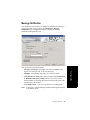
• Enter a name—For names recorded in the system, you can enter a
name by using the keyboard on your computer to type the name. Then
select the name from the drop-down list that opens. The number for
that name appears in the dialing field.
To close the drop-down list or clear the dialing field, click the “x” in
the field.
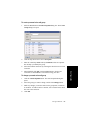
You can start typing a
name in the dialing
field to open your
company directory
list. Then select a
name.
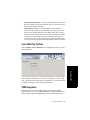
You can enter a number
in the dialing field
24
MaxAgent Manual
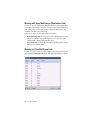
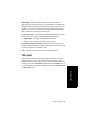
You can click the
Dial button to open the dial pad