1
QuickBooks for CPAs 2005
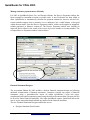
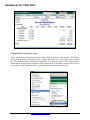
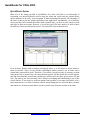
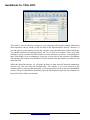
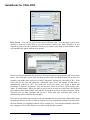
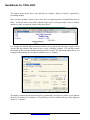
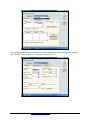
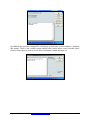
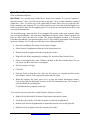
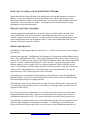
Price Levels – You can use price levels in two different ways. You can apply a price level
directly to items on a sales form or you can associate a price level with a customer. If you
associate a price level with a customer, whenever you create a sales form for that customer, items
will automatically appear with the new amount.
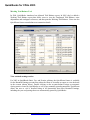
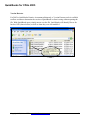
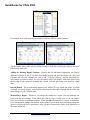
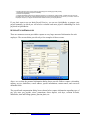
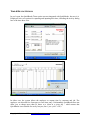
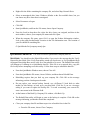
Price levels let you automatically increase or decrease inventory, non-inventory, and service item
prices. You create price levels, then use them on sales forms to adjust the price of an item. For
example, you might create a price level called "wholesale" and specify a decrease of 20%. Then
when you sell an item and attach the "wholesale" price level, the amount of that item is
automatically reduced by 20%. For each price level you create, you assign a name and
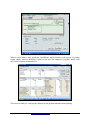
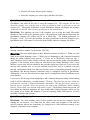
percentage of increase or decrease. You can use price levels on invoices, sales receipts, sales
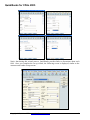
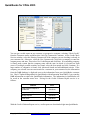
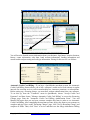
orders, or credit memos. When you apply a price level to an item on a sales form, the adjusted
price appears in the Rate column. You can also assign price levels to customers and jobs. Then,
whenever you use that customer and job on a sales form, the associated price level is
automatically used to calculate the item price.
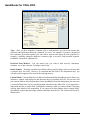
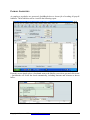
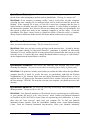
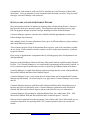
Price levels associated with customers will not automatically be used when reimbursable items
are added to invoices or sales receipts or when invoices are created from estimates. In both cases,
the item amount you originally entered will be carried over. You can then manually adjust the
rate, using price levels, after the invoice or sales receipt has been created.
Copyright 2005, AdvisorCPE – www.QuickBooksAdvisor.info
69