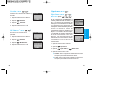
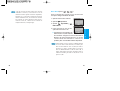
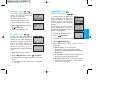
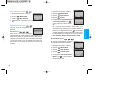
1
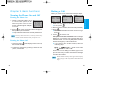
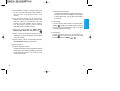
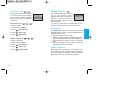
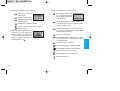
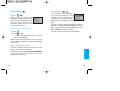
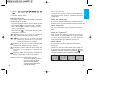
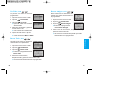
1. Headset Jack
2. Earpiece
3. Message Key
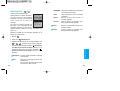
4. Voice Memo Key In manual mode, set Voice Memo
by pressing and holding the
key about 3 seconds.
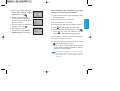
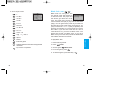
5. SEND Allows a user to place or answer calls.
6. Speaker Mode Key In standby mode, set speaker
mode by pressing and holding the
key about 3
seconds.
7. Manner/Silent Mode Key
- In standby mode, set the manner mode (vibration) by
pressing and holding the
key about 3 seconds.
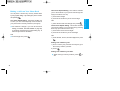
8. Antenna
9. Lamp The red light flashes when you turn the power
on and when you have incoming calls and messages.
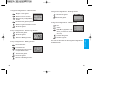
10. LCD screen Displays messages and indicator
icons.
11. Soft Keys
- Soft Key 1
Get t ing St art ed
Phone Overview
Used to display the function setting menu.
- Soft Key 2
Press this key once in a menu, to go back one level.
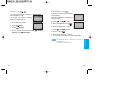
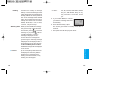
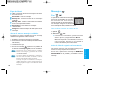
12. Navigation Key This Navigation key allows quick
access to
text and voice mail notification
messages.
Speaker Mode,
Voice dialing,
Outgoing Call list.
13. Outgoing Call List Key
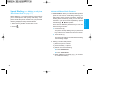
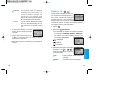
14. END/PWR Used to turn power on/off and to end a
call. Using this key, you can return to the main
menu display screen.
15. Alphanumeric Keypad Enables you to enter
numbers and characters and to choose menu
items.
16. Keypad Lock Key
- In standby mode, set the lock function by pressing
and holding the
key about 3 seconds.
17. Microphone
16
17