1
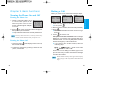
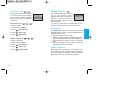
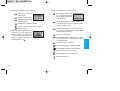
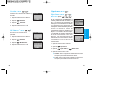
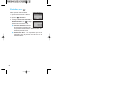
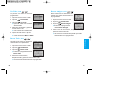
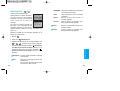
8. Press:
Display T9 Help Text.
9. Display: Imt
Using the NEXT Key
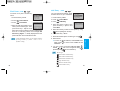
Examples Using ABC (Multi-tap) Text Input
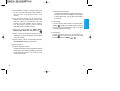
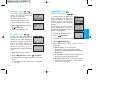
After you have finished typing a word, if the word displayed
is not the word you want, press
to display additional
choices.
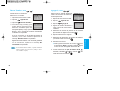
For example, follow these steps :
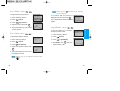
Typing In ABC (Multi-tap) Mode.
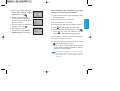
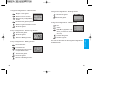
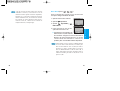
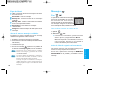
1. Press:
.
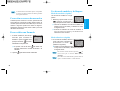
To type a new message, follow these steps:
1. Press: Soft Key 1
mode
2. Display: Good
2. Press:
3. Press:
3. Press:
.
4. Display: Home, Gone, Hood......
.
Get t ing St art ed
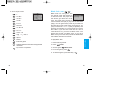
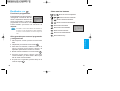
T9Help Mode
to change letter case to ABC
to change to ABC Caps Lock mode
.
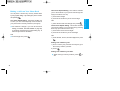
4. Display: LG
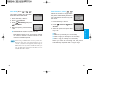
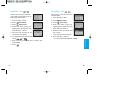
Adding Words to the T9 Database
If a word is not in the T9 database, add it by using ABC
(Multi-tap) mode text entry. The word is automatically
added to the T9 database when you return to T9 mode.
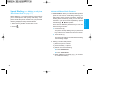
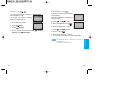
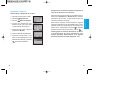
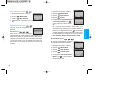
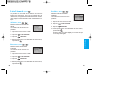
For example, follow these steps:
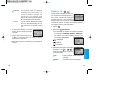
1. Press: Soft Key 1
(multi-tap) mode.
to change letter case to ABC
2. Press:
.
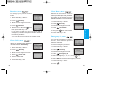
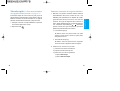
3. Display: Imt
4. Press: Soft Key 1
to change letter case to T9
mode and then the word Imt will be added to the T9
database
5. Press: Soft Key 2 Clear erase the existing word.
6. Press:
.
7. Display: got
22
23