1
94927 Revised Size
2/25/02
4:19 PM
Page 8
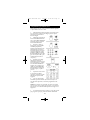
Programming For DVD
Most GE, RCAand ProScan DVD systems will not
require programming. Check to see if your DVD system responds to the remote before you begin programming.
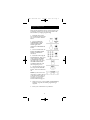
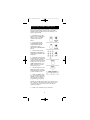
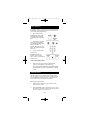
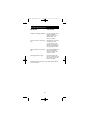
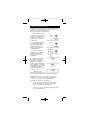
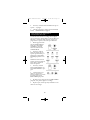
1. Manually turn on the
DVD system. Find the
three digit code for your
DVD system in the code
list below.
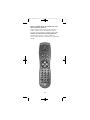
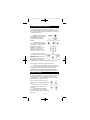
2. Press and hold the
CODESEARCH button
until the INDICATOR
LIGHT lights, then
release the CODE
SEARCH button.
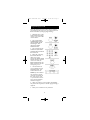
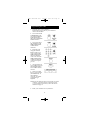
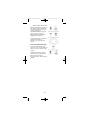
3. Press and release the
DVD button (The INDICATOR LIGHT will blink
then remain lit.
4. Enter the code using
the Number Buttons.
After your code is
entered, the INDICATOR
LIGHT will turn off. If the
code is not valid, the
INDICATOR LIGHT will
blink. Check the code list
and repeat process.
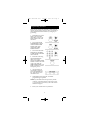
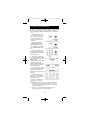
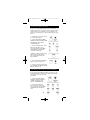
5. Aim the remote at
your DVD system and
press the ON•OFF button. Your DVD system
should turn off.
6. If the DVD System responds, no further
programming is required.
NOTE: If your DVD does not respond, try all the
codes for your brand. If the codes do not work,
or your brand is not listed, try the Code Search
method on Page 16.
7. Enter your code here for easy reference.
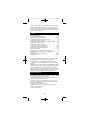
CODELIST
7