1
102 Installing Symantec Client Security servers
Deploying the server installation across a network connection
If you do not install AMS2 when you install Symantec Client Security server, you
can install it later. You must, however, install AMS2 to the secondary server
before making the secondary server the primary server.
See “Manually installing AMS server” on page 116.
If you do not plan to change your primary servers, you may uninstall AMS2 from
secondary servers.
Deploying the server installation across a network
connection
To push the Symantec Client Security server installation to computers across
your network, complete the tasks that are listed in Table 6-2. You should
complete each task in the order in which it is listed. The final task is required for
NetWare servers only.
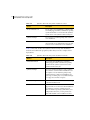
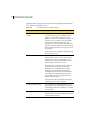
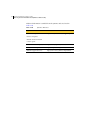
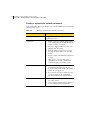
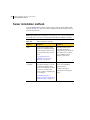
Table 6-2
Task list for installing servers across a network
Task
For more information
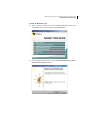
Start the installation.
See “Starting the server installation” on page 103.
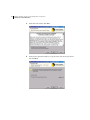
Run the server setup
program.
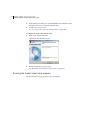
See “Running the server setup program” on page 104.
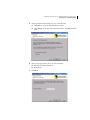
Select the computers to
which you want to install.
See “Selecting computers to which you want to install” on
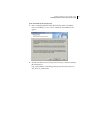
page 106.
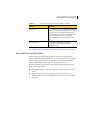
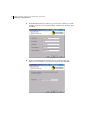
Complete the server
installation.
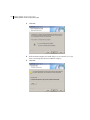
See “Completing the server installation” on page 109.
Review any errors.
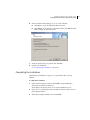
See “Checking for errors” on page 113.
Start Symantec Client
Security NLMs.
See “Manually loading the Symantec Client Security
NLMs” on page 113.