1
CHAPTER 4 OPERATING THE LIBRARY
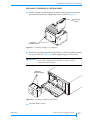
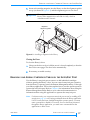
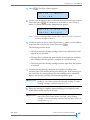
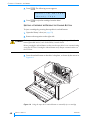
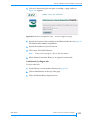
9. Close the entry/exit port door.
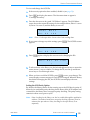
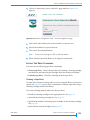
10. The operator panel displays “Lock Entry/Exit Port.” Press [ENTER].
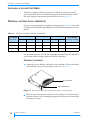
11. Use the Move Cartridge command to move the cartridge from the
entry/exit port to a storage slot or tape drive. See page 69 for the element
numbering scheme.
12. If necessary, re-enable security and change the control mode back to its
original operating mode.
OPERATING THE LIBRARY IN SEQUENTIAL MODE
When the library is operating in sequential mode, its internal firmware
instructs the robot to move cartridges sequentially between the cartridge slots
and a tape drive. Sequential mode is useful with software applications that
support functions performed by the tape drive but not functions performed
by the library robotics.
When you select a sequential mode from the Robot Mode screen (see page 54),
you choose whether the library uses tape drive 1 (Sequent1 mode) or tape
drive 2 (Sequent2 mode); the library does not use both tape drives when
operating in sequential mode.
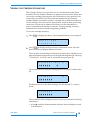
In sequential mode, the library performs the following steps:
1. Picks the cartridge from slot 1 and places it in the tape drive specified by the
control mode (Sequent1 or Sequent2). If the slot is empty, the robot picks
the next cartridge in the magazine.
2. Waits until the tape drive ejects the cartridge, then returns the cartridge to
its original slot.
3. Repeats these steps for the next cartridge until it has processed all of the
cartridges.
4. Returns to the first cartridge and begins the process again or stops,
depending on how the Loop option, described in the following section, is set.
SEQUENTIAL MODE OPTIONS
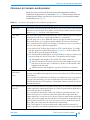
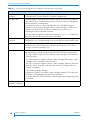
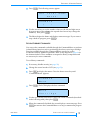
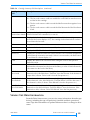
To customize how sequential mode works, you can set the Loop, Restart, and
Next Cartridge options. These options, described below, are not affected by a
reset or power cycle.
60
PRODUCT MANUAL
1014258