1
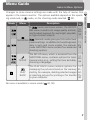
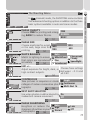
Close Up
Tutorial—Getting Creative
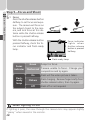
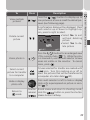
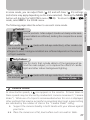
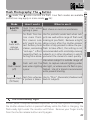
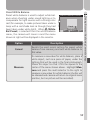
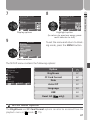
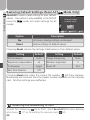
Camera is set to focus on objects as close as 4 cm (1.6˝)
from the lens, making it possible to capture vivid colors in
close-up shots of flowers, insects, and other small objects,
with the background artistically blurred.
• Flash mode set to AUTO; other modes can be selected ( 43).
• Camera automatically selects middle zoom position for a minimum focus
distance of 4 cm/1.6˝ (measured from lens). Minimum focus distance will
increase if camera is zoomed in or out.
• Camera focuses on subject at center of frame.
Camera Shake: ✯
Copy
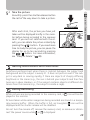
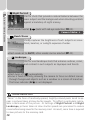
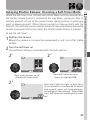
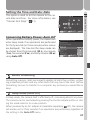
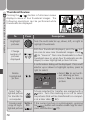
Provides clear pictures of text or drawings on a white board,
business card, or in other printed matter.
• Flash mode set to
(off); other modes can be selected ( 43).
• Colored text and drawings may not show up well in the final picture.
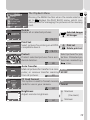
Back Light
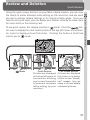
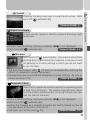
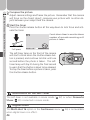
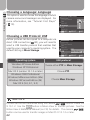
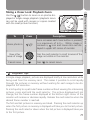
Use when light is coming from behind your subject, throwing their features into shadow, or when your subject is in
the shade but the background is brightly lit. The flash will
fire automatically to “fill in” (illuminate) shadows.
• Flash mode fixed at
(fill flash;
43).
OFF
SELECT
40
SET
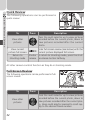
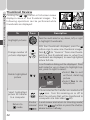
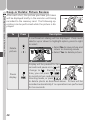
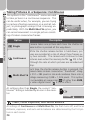
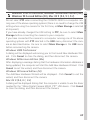
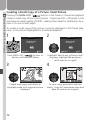
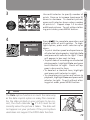
Select this item to return to the shooting mode (
or
) in effect when scene mode was selected. The mode
last in effect will be displayed in the monitor when this
option is highlighted.