1
Taking Pictures in a Sequence: Continuous
Taking Pictures—Fine-Tuning Camera Settings
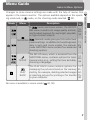
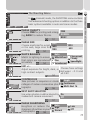
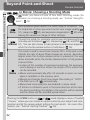
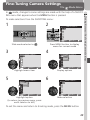
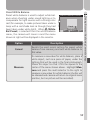
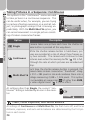
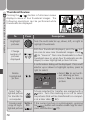
The options in the “continuous” menu are used
to take pictures in a continuous sequence. This
can be useful when, for example, you are trying
to capture a fleeting expression on a portrait subject, or photograph a subject that is moving unpredictably. With the Multi-Shot 16 option, you
can record movement in a single picture consisting of sixteen consecutive frames.
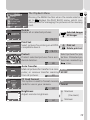
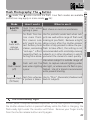
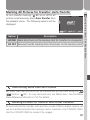
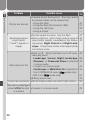
Option
CONTINUOUS
Single
Continuous
Multi-Shot 16
MENU OFF
SELECT
SET
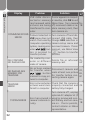
Description
Single
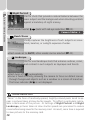
Camera takes one picture each time the shutter-release button is pressed all the way down.
Continuous
While the shutter-release button is held down, pictures are recorded at a rate of about three frames every two seconds. The camera will continue to take
pictures even when the memory buffer ( 29) is full,
although the rate at which pictures are recorded will
drop.
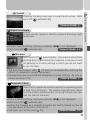
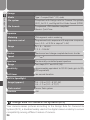
Each time the shutter-release button is pressed, the
camera takes sixteen consecutive “thumbnail” images 512 × 384 pixels in size and combines them into a
Multi-Shot 16
collage measuring 2,048 × 1,536 pixels. This option
is not available at image sizes ( 52) other than 2048,
or when digital zoom ( 47) is in effect.
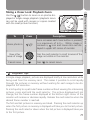
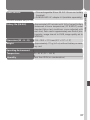
At settings other than Single, the current “continuous” setting is indicated by an icon in the monitor.
2048 NORMAL
Flash, Focus Exposure, and White Balance
At settings of Continuous and Multi-Shot 16, the flash turns off, and focus
distance, exposure, and auto white balance are determined by the first picture in each series.
56