1
■
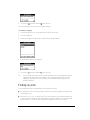
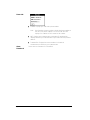
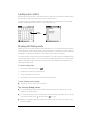
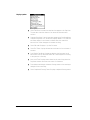
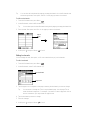
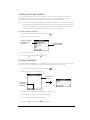
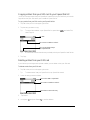
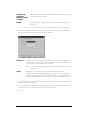
Default country. Determines if North American hyphenation
conventions are automatically applied to phone numbers, and whether
the following two options are available:
■
When dialing, add this area code to 7 digit numbers. Inserts the area
code you specify in front of 7-digit numbers before dialing.
■
Always dial 1 in front of the area code. Inserts a 1 in front of 10-digit
numbers before dialing.
If you select a country other than United States or Canada, numbers
are formatted exactly as they appear in the Contact record.
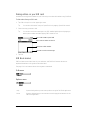
Rename Custom
Fields
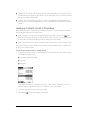
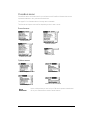
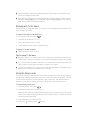
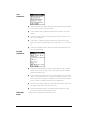
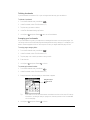
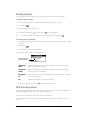
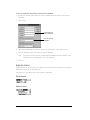
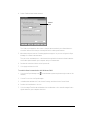
These custom fields appear at the end of the Contact Edit screen. Rename
them to identify the kind of information you enter in them. The names you
give the custom fields appear in all Contacts records.
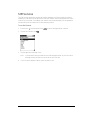
Select Network
Chapter 6
■
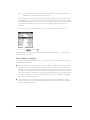
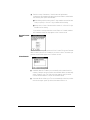
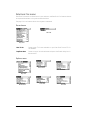
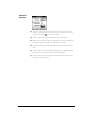
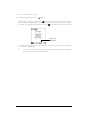
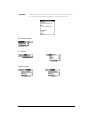
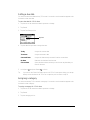
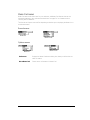
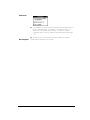
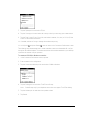
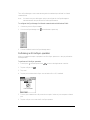
Available networks. Enables you to manually select networks while
roaming if multiple service providers are available. When you manually
select a network, your Treo finds only that network until you either
choose another network, or return to Automatic Mode.
■
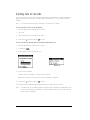
Automatic Mode. Allows your Treo to automatically select the provider
with the strongest signal. By default, Automatic Mode is on.
Page 99