1
Installation and Setup
What’s in the Box?
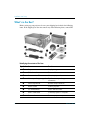
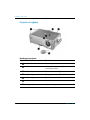
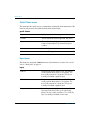
Before setting up your projector, be sure your shipping box includes the following
items. If the shipping box does not contain any of the following items, contact HP.
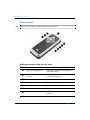
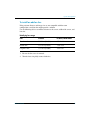
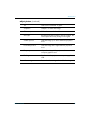
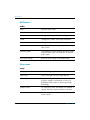
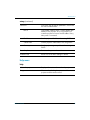
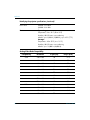
Identifying the contents of the box
Symbol
8
Item
Function
1
Projector
Displays images.
2
Cable shroud
Covers cable connections.
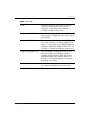
3
Documentation CD
Contains projector documentation.
4
Warranty and support guides
Provide warranty and support
information.
5
Quick Setup Guide
Provides setup instructions.
6
Remote control
Controls projector.
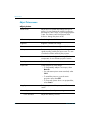
7
Two AAA batteries
Powers remote control.
8
VGA to VGA cable
Connects projector to computer.
9
Power cord
Connects projector to power source.
Reference Guide