1
96
z
Section 8: Programming Basics
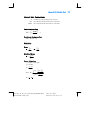
With the calculator in Run mode, pressing gi followed by two digit keys
sets the calculator to the program line specified by the digit keys. Since the
calculator is not in Program mode, the line number and keycode are not
displayed.
The decimal point is not necessary if the calculator is in Run mode, but it is
necessary if the calculator is in Program mode.
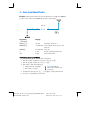
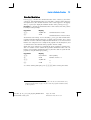
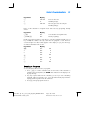
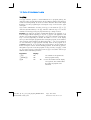
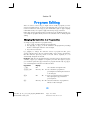
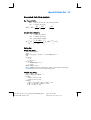
For example, assuming the calculator is still in Program mode, you can set it to
program line 00 as follows:
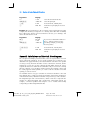
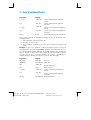
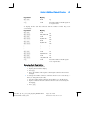
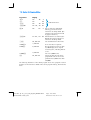
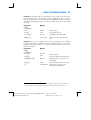
Keystrokes
Display
gi.00
00-
Program line 00
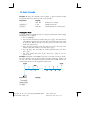
Executing a Program One Line at a Time
Pressing Ç repeatedly with the calculator in Program mode (as described earlier)
enables you to verify that the program you have stored is identical to the program
you wrote — that is, to verify that you have keyed the instructions in correctly.
However, this does not ensure that the program you wrote calculates the desired
results correctly: even programs created by the most experienced programmers
often do not work correctly when they are first written.
To help you verify that your program works correctly, you can execute the program
one line at a time, using the Ç key. Pressing Ç while the calculator is in Run
mode advances the calculator to the next line in program memory, then displays
that line’s number and the keycode of the instruction stored there, just as in
Program mode. In Run mode, however, when the Ç key is released the
instruction in the program line just displayed is executed and the display then
shows the result of executing that line.
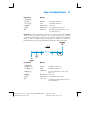
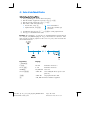
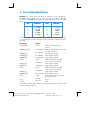
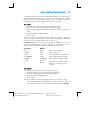
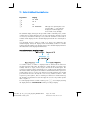
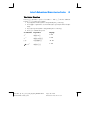
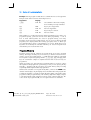
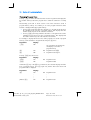
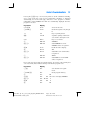
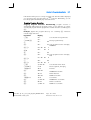
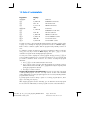
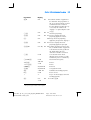
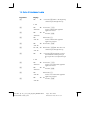
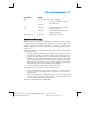
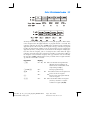
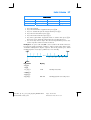
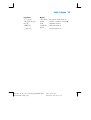
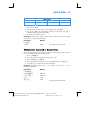
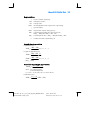
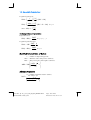
For example, to execute the program stored in the calculator one line at a time:
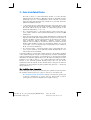
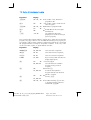
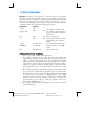
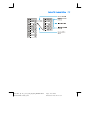
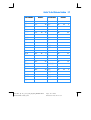
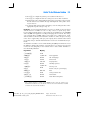
Keystrokes
Display
fs
124.25
625
625.
Ç
01625.00
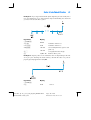
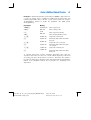
Ç
02-
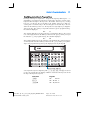
Sets calculator to Run mode and
to line 00 in program memory.
(Display shown assumes results
remain from previous
calculation.)
Keys in price of typewriter.
36 Program line 01: \
Result of executing program line
01.
2 Program line 02: 2.
File name: hp 12c_user's guide_English_HDPMBF12E44
Page: 96 of 209
Printered Date: 2005/7/29
Dimension: 14.8 cm x 21 cm