1
4508-apb.frm Page 9 Wednesday, May 22, 1996 8:30 AM
Options Installation
250-Sheet
Lower Base
Installation
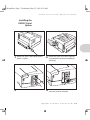
1
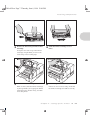
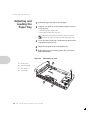
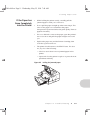
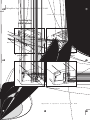
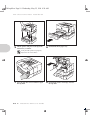
Remove the power cord from the printer
power receptacle.
2
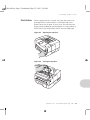
Press the top door release button to open
the top door.
3
Remove the Printer Cartridge from the
printer and close the top door.
4
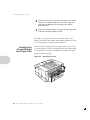
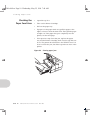
Remove the main paper tray from the
printer.
Appendix B: Options Installation
❖
B-9