1
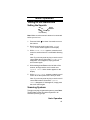
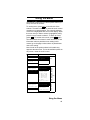
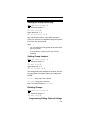
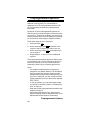
Setting the End Code Operation
(Motorola Systems Only)
Menu
Program System
Select the system
Edit Sys Option
Set End Code
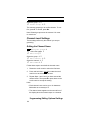
This setting determines how the scanner handles the
transmission end code sent by most Motorola systems. Select your setting then press E.
Yes - the scanner immediately returns to the control
channel when it detects the end code.
Ignore - the scanner does not return to the control
channel until the carrier drops.
Note: The default setting is Yes.
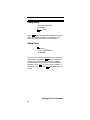
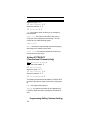
Setting I-Call (Motorola Analog and
EDACS Systems Only)
Menu
Program System
Select the system
Edit Sys Option
Set I-Call
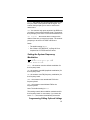
This setting determines how your scanner treats I-calls
while ID Searching.
On - the scanner tracks I-calls. Press E to select.
Off - the scanner ignores I-calls. Press E to select.
Only - the scanner only tracks I-calls and ignores
other radio traffic on the system. Press E to select.
Note: The default setting is Off.
Programming/Editing Optional Settings
77