1
A Look At The Keypad
(illus - show keypad)
Your scanner's keys have various functions labeled on
the key tops and below the keys.
To select the function labeled on a key, simply press
the key. To select the function labeled below a key,
hold down Func on the left side of the scanner then
press the key. F appears on the display.
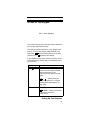
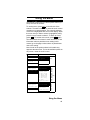
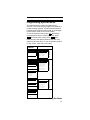
If your scanner's keys seem confusing at first, the following information should help you understand each
key's function.
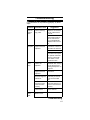
Key Name
Description
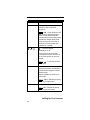
Hold/
Hold – Holds the scan or the
frequency search when pressed.
Resumes the scan or the
frequency search when pressed
again.
Func +
– Quickly turns the
Close Call feature on or off (see
“Setting Close Call Options” on
Page 101).
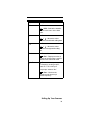
Scan/Srch
Scan – Scans the stored channels.
Func + Srch – Starts quick search
or quickly accesses the
search menu.
Setting Up Your Scanner
37