1
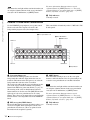
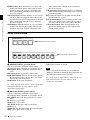
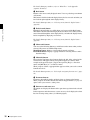
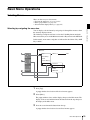
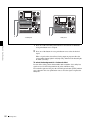
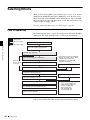
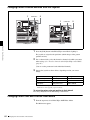
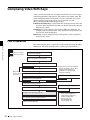
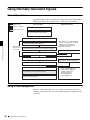
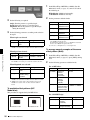
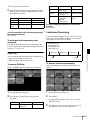
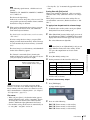
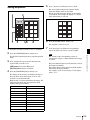
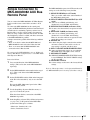
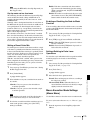
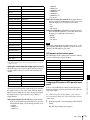
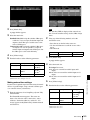
Key Disable: The key bus [XP/KY HOLD] button
functions as a key disable button. When a snapshot
is loaded with the [XP/KY HOLD] button on, key
setting data in the snapshot (including cross-point
selection data) is ignored.
Key Disable with Status: This is the same function as
[Key Disable], but additionally key on/off status
data is ignored.
Xpt Hold: The key bus [XP/KY HOLD] button
functions as a cross-point hold button. When a
snapshot is loaded with the [XP/KY HOLD]
button on, cross-point selection data is ignored.
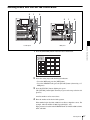
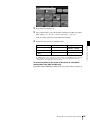
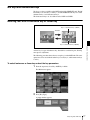
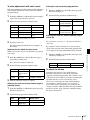
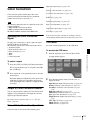
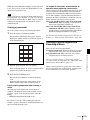
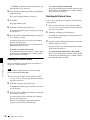
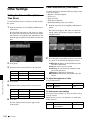
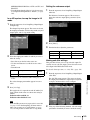
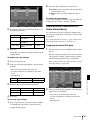
Setting mask and border processing order
You can invert the order in which mask and border effects
are processed when you apply a mask.
1
2
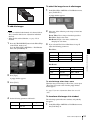
Carry out steps 1 and 2 of “Selecting the key memory
operating mode” (see page 173).
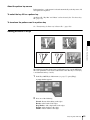
Press [Msk/Bdr Proc].
Settings Relating to Video Switching
(Transition Menu)
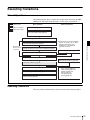
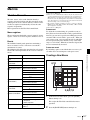
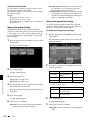
For settings relating to video switching, use the Transition
menu.
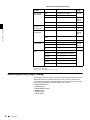
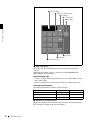
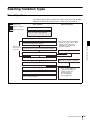
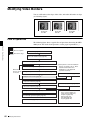
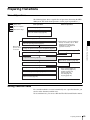
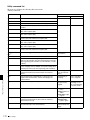
The Transition menu has the following items.
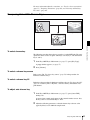
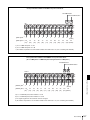
Bus Toggle: For each of the M/E and PGM/PST banks,
switch the bus toggle on or off.
PST Color Mix: For each of the M/E and PGM/PST
banks, set the stroke mode for a preset color mix and
the mode in which the transition type after a transition
ends returns to the previous setting.
FTB: Enable or disable fade-to-black for each final
program output.
Fader Curve: Set the relationship when carrying out a
transition, between the fader lever position and the
advancement state of the transition.
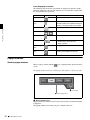
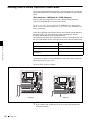
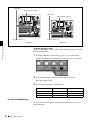
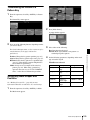
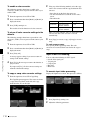
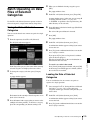
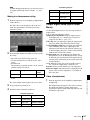
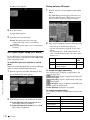
Setting the Bus Toggle On or Off
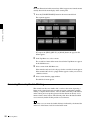
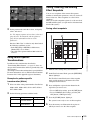
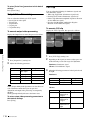
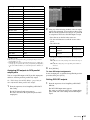
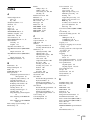
1
A popup window appears.
3
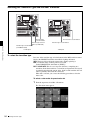
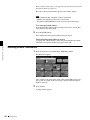
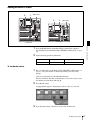
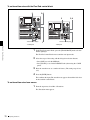
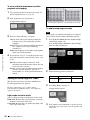
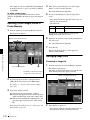
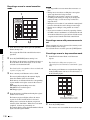
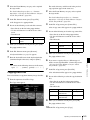
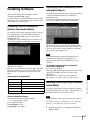
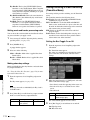
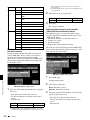
From the top menu, select Setup/Diag >Operation
>Transition.
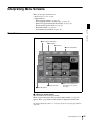
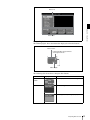
The Transition menu appears.
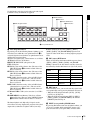
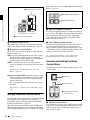
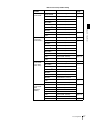
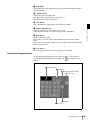
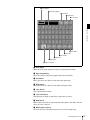
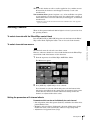
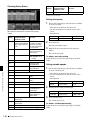
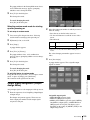
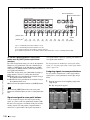
The status area and button area show the bus toggle,
preset color mix, fade-to-black, and fader curve
settings.
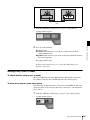
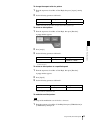
Select one of the following.
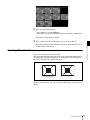
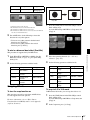
Mask t Border: Mask effect is applied first, then
Border effect.
Border t Mask: Border effect is applied first, then
Mask effect.
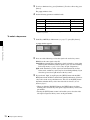
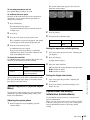
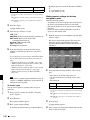
Making show key settings
Enable and disable the show key function, and set the show
key output hold interval.
See “Using the Show Key Function” (page 110) for more
information about show key.
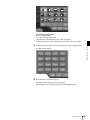
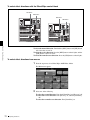
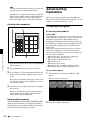
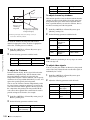
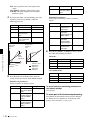
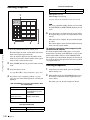
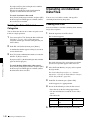
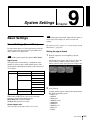
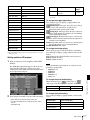
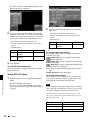
1
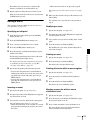
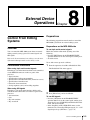
From the top menu, select Setup/Diag >Operation
>Key.
Chapter 9 System Settings
2
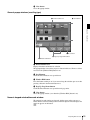
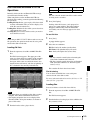
The Key menu appears (see page 173).
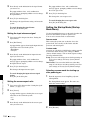
• Press directly on the list appearing in the status area.
• Press the arrow keys to scroll the reverse video
cursor.
• Turn the knob.
Note
Show key cannot be set individually for Key1 and 2,
and DSK1 and 2.
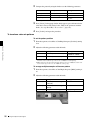
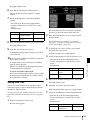
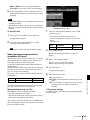
2
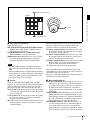
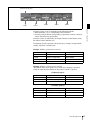
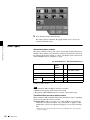
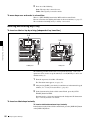
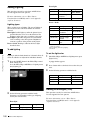
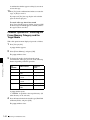
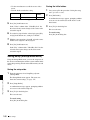
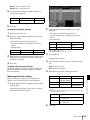
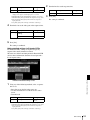
Press [Show Key] to enable show key output, and turn
knob 2 to set the show key output hold time.
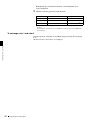
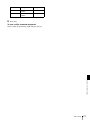
Knob
Description
2 (Hold Time)
Show key output hold 0 to 999
time (frames)
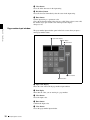
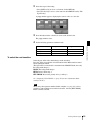
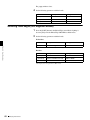
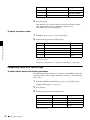
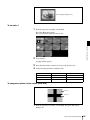
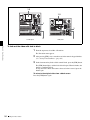
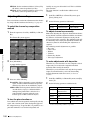
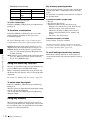
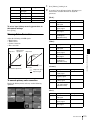
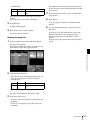
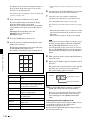
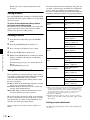
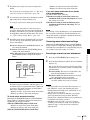
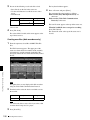
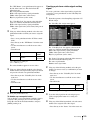
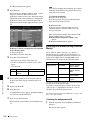
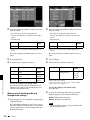
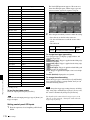
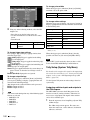
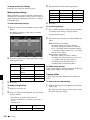
When the control panel is a 1.5 M/E panel, select the
bank to which the settings apply.
Setting values
Knob
Description
Setting values
1 (Bank)
M/E or P/P selection to
which settings apply
1, 2
The selected bank appears in reverse video.
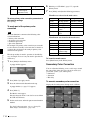
3
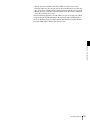
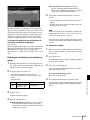
Press [Bus Toggle] to switch between on and off.
On: Flip-flop mode
Off: Bus fixed mode
174
Other Settings