1
all.book Page 53 Wednesday, August 27, 2003
2:51 PM
Broadcasting (Sending a Fax to Multiple Destinations)
This function allows you to send the same fax to as many as 20 different
destinations in just one operation.
♦ When sending to multiple destinations, only auto-dial numbers can be used
to dial the numbers of the receiving machines.
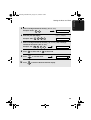
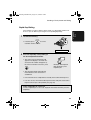
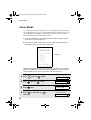
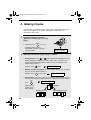
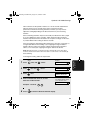
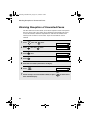
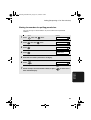
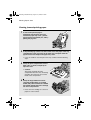
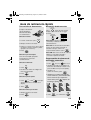
1
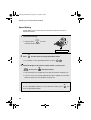
Load the document(s).
• If desired, press
RESOLUTION/
RECEPTION MODE
to set the
resolution and/or contrast.
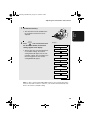
READY TO SEND
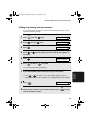
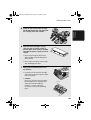
2
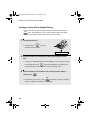
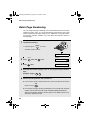
Select a destination using one of the methods below.
IMPORTANT: The first destination that you select must be specified
using the arrow key method below (press
or
). Do not press a
Rapid Key or enter a Speed Dial number for the first destination.
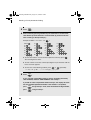
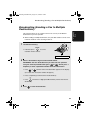
• Press
or
until the name of the destination appears in the display
(if no name was stored, the number will appear).
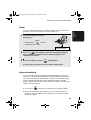
• Press a Rapid Key (if other than the first destination).
• Press
SPEED
DIAL
and enter a 2-digit Speed Dial number (if other than the first
destination).
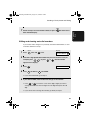
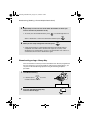
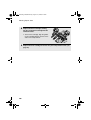
3
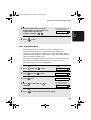
Press
to store the destination.
53
2. Sending
Faxes
Broadcasting (Sending a Fax to Multiple
Destinations)