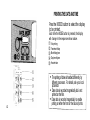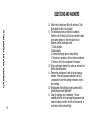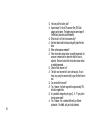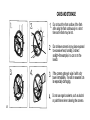
1
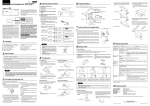
TAKING PICTURES
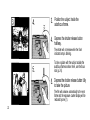
1.
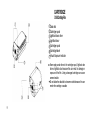
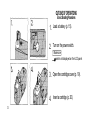
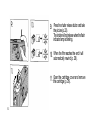
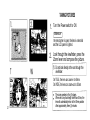
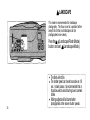
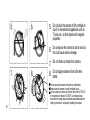
Turn the Power switch to ON.
Make sure
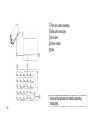
The lens barrier is open, the lens is extended
and the LCD panel is lighted.
2.
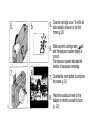
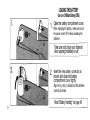
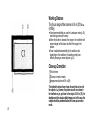
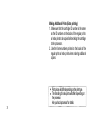
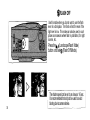
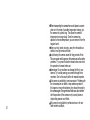
Look through the viewfinder, press the
Zoom lever and compose the picture.
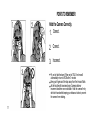
Do not look directly at the sun through the
viewfinder.
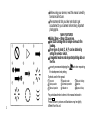
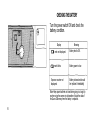
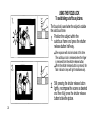
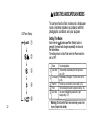
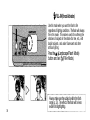
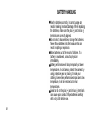
On TELE, the lens can zoom-in to 60mm.
On WIDE, the lens can zoom-out to 30mm.
21
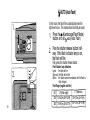
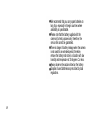
The zoom operates in five (5) stages.
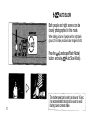
When set to any focal length other than 30mm, the
lens will automatically return to the 30mm position
after approximately three (3) minutes.