1
Loading Paper
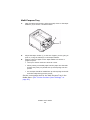
Cassette Tray
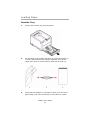
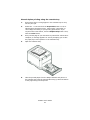
1.
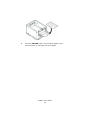
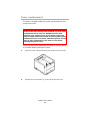
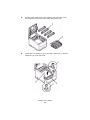
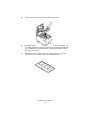
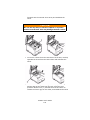
Remove the Cassette Tray from the printer.
cassette tray empty_Fig1_16.jpg
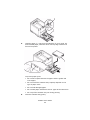
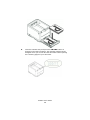
2.
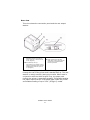
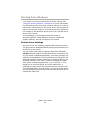
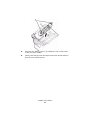
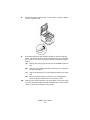
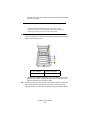
Fan the paper to be loaded at the edges (1) and in the middle (2)
to ensure that all sheets are properly separated, then tap the
edges of the stack on a flat surface to make it flush again.(3).
Fan Paper.jpg
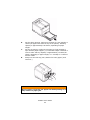
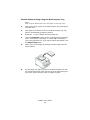
3.
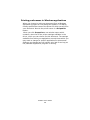
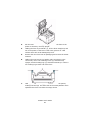
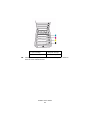
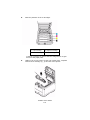
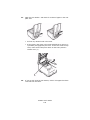
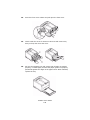
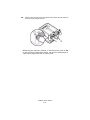
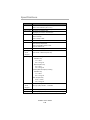
Adjust the Rear Stopper (1) and Paper Guides (2) to the size of
paper being used. Use the markings on the printer as a guide.
C3400n User’s Guide
21