1
Multiple Network Address Translation 9-27
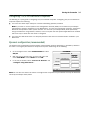
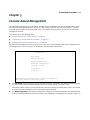
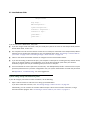
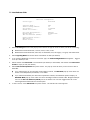
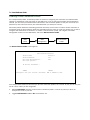
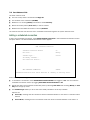
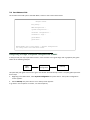
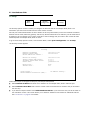
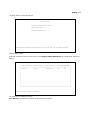
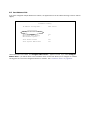
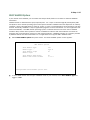
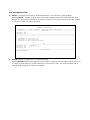
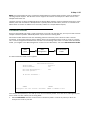
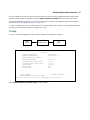
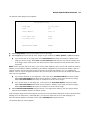
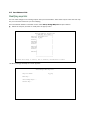
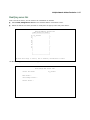
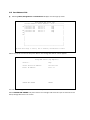
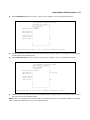
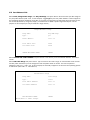
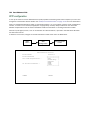
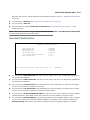
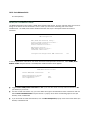
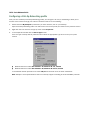
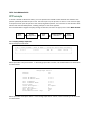
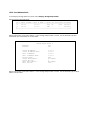
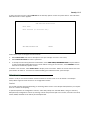
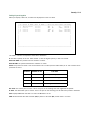
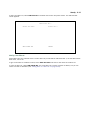
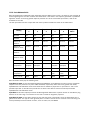
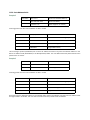
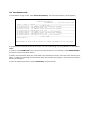
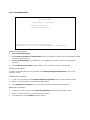
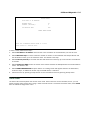
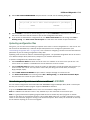
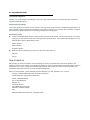
Enter your ISP-supplied values as shown below.
Connection Profile 1: Easy Setup Profile
Connection Profile Name:
Easy Setup Profile
Address Translation Enabled:
IP Addressing...
Yes
Numbered
Local WAN IP Address:
Local WAN IP Mask:
206.1.1.6
255.255.255.248
PREVIOUS SCREEN
NEXT SCREEN
Enter a subnet mask in decimal and dot form (xxx.xxx.xxx.xxx).
Enter basic information about your WAN connection with this screen.
Select NEXT SCREEN and press Return.
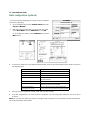
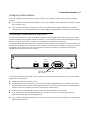
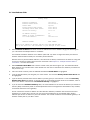
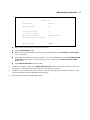
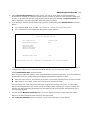
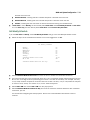
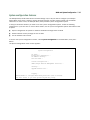
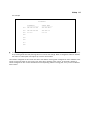
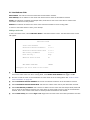
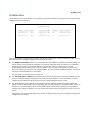
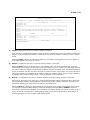
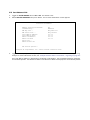
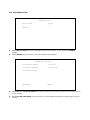
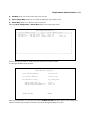
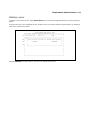
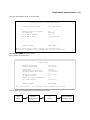
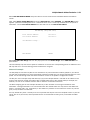
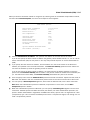
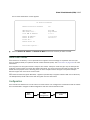
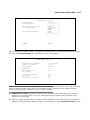
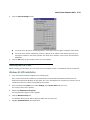
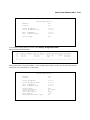
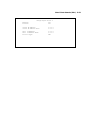
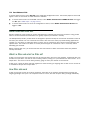
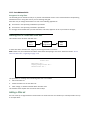
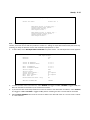
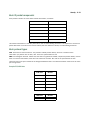
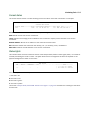
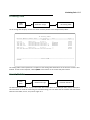
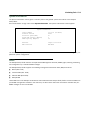
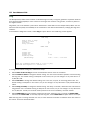
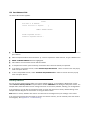
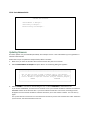
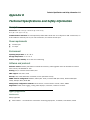
Your IP values are shown here.
IP Easy Setup
Ethernet IP Address:
Ethernet Subnet Mask:
192.168.1.1
255.255.255.0
Domain Name:
Primary Domain Name Server:
Secondary Domain Name Server:
ISP.net
173.166.101.1
173.166.102.1
Default IP Gateway:
IP Address Serving:
206.1.1.254
On
Number of Client IP Addresses:
1st Client Address:
20
192.168.1.2
PREVIOUS SCREEN
NEXT SCREEN
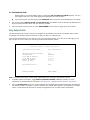
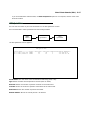
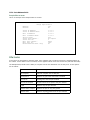
Set up the basic IP & IPX attributes of your Netopia in this screen.
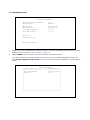
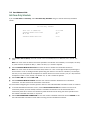
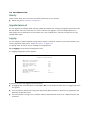
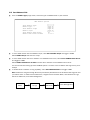
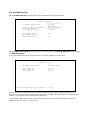
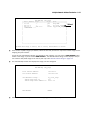
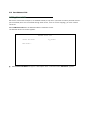
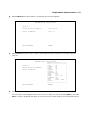
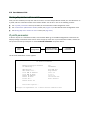
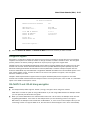
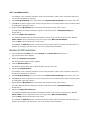
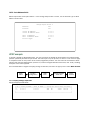
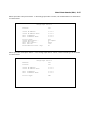
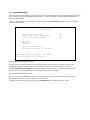
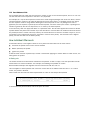
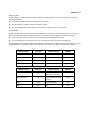
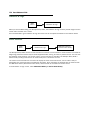
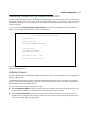
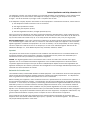
Then navigate to the Network Address Translation (NAT) screen.
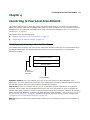
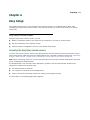
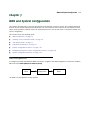
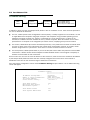
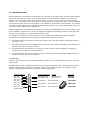
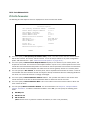
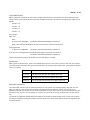
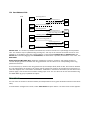
Main
Menu
System
Configuration
IP
Setup
Network Address
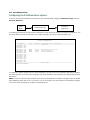
Translation (NAT)