1
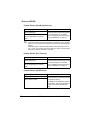
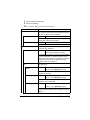
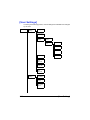
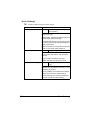
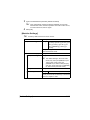
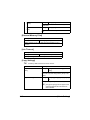
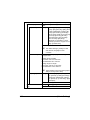
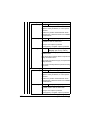
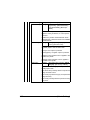
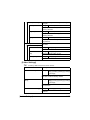
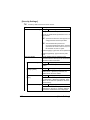
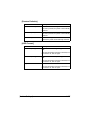
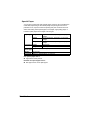
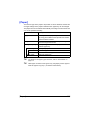
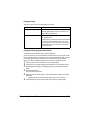
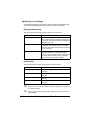
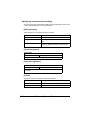
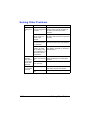
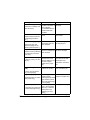
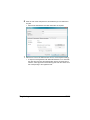
[File Settings]-[Scan Setting]
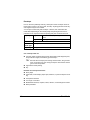
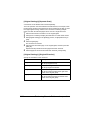
Select whether the data is divided into individual pages or multi-page data is
created when multiple pages are scanned.
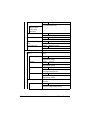
Item
Description
[Single Page]
Select this setting to save the data divided into
individual pages.
[Multi Page]
Select this setting to save the scan as
multi-page data.
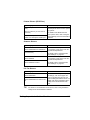
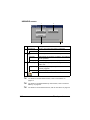
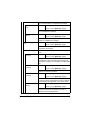
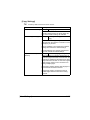
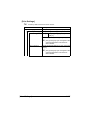
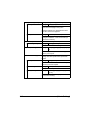
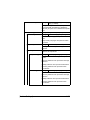
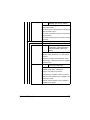
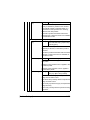
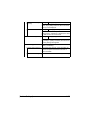
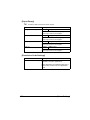
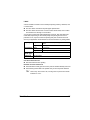
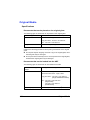
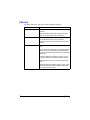
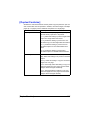
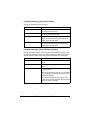
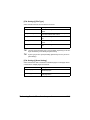
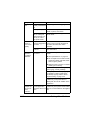
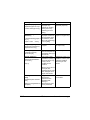
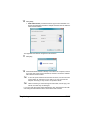
[File Settings]-[PDF Encrypt]
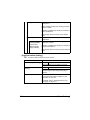
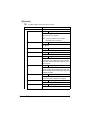
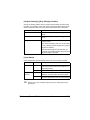
Specify the encryption settings when [PDF] or [Compact PDF] is selected.
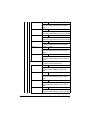
Item
Description
[Encryp- [Yes]
tion Level]
Select this setting to enable encryption. After
selecting this setting, set the encryption level to
[Low], [Middle] or [High].
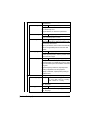
[No]
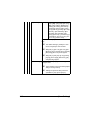
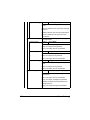
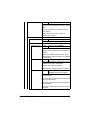
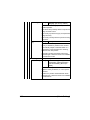
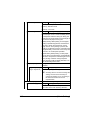
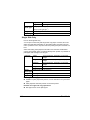
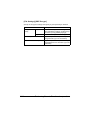
[Password]
Select this setting to disable encryption.
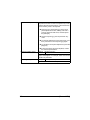
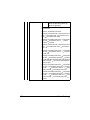
Type in the password required to open encrypted
data. (up to 32 characters)
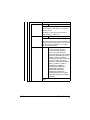
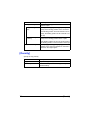
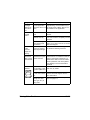
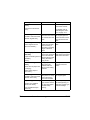
[Document Permissions] Type in the password required to change the permissions for a document. (up to 32 characters)
10-24
Performing Scan to Folder mode operations









































































































































![User`s Guide [Printer/Copier/Scanner]](http://vs1.manualzilla.com/store/data/005987700_1-4ebf6f5f2843ec6fc8ace3e9735a6825-150x150.png)