1
7
8
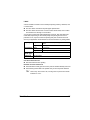
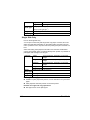
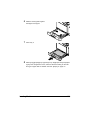
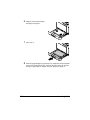
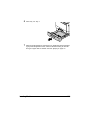
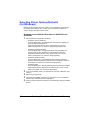
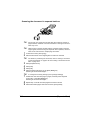
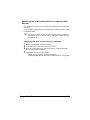
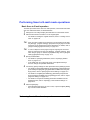
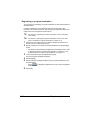
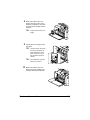
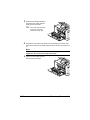
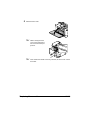
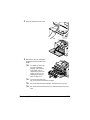
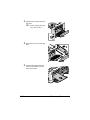
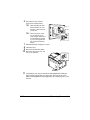
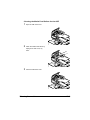
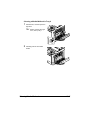
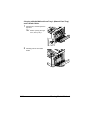
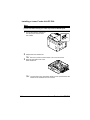
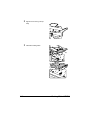
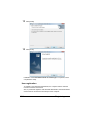
Reconnect the power cord, and
turn on the machine.
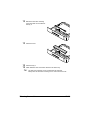
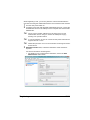
Declare Paper Source Unit 3/4 in the Windows printer driver [Properties]/
[Configure] tab.
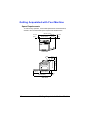
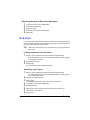
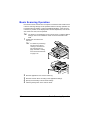
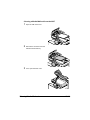
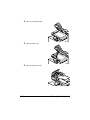
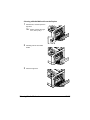
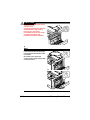
Working Table WT-P01
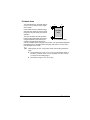
Provides an area to temporarily place an original or other materials. This is
also used when the authentication device is installed.
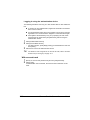
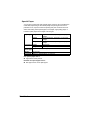
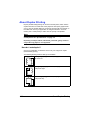
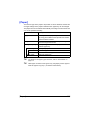
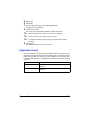
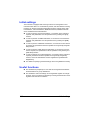
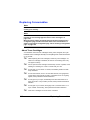
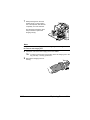
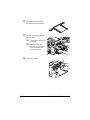
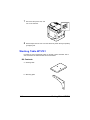
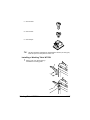
Kit Contents
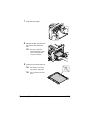
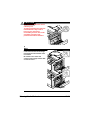
a—Working table
b—Mounting plate
14-6
Working Table WT-P01





























































































































![User`s Guide [Printer/Copier/Scanner]](http://vs1.manualzilla.com/store/data/005987700_1-4ebf6f5f2843ec6fc8ace3e9735a6825-150x150.png)