1
Chapter 5
Camcorder Settings
Settings Menu
Operation
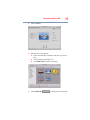
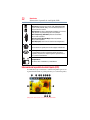
Screen
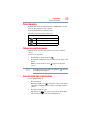
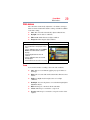
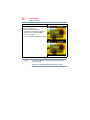
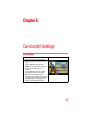
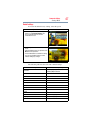
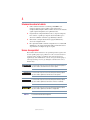
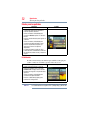
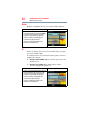
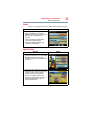
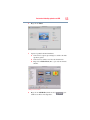
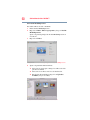
1 While in Movie/ Picture Record mode,
press the OK button to display the wheel
menu.
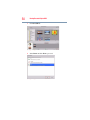
2 Use the Up/Down Buttons to select
Setting. The Settings submenu displays.
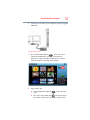
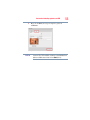
3 Press the Right button to enter the
submenu.
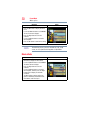
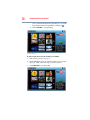
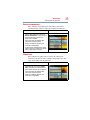
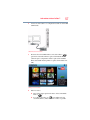
4 Use the Up/Down buttons to select the
desired option, and then press Right
Button to enter the options screen.
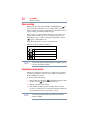
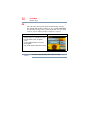
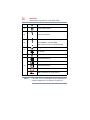
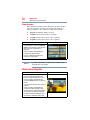
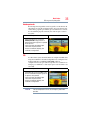
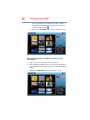
5 The Setting submenu offers six options for
configuring your camcorder setup: Sound
(operation sound), TV, Language, Time
Setting, Format, and Default Setting.
43