1
L
Dove
Rev. C
A5 size
10/28/98
chap5.mif
Pass 0
Proof Sign-off:
Nishi
<leadername>
<editorname>
_______
_______
_______
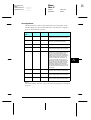
Using the OneTouch Modes
The OneTouch modes are part of SelecType mode, but they are
more limited and easier to use. The settings you make in the
OneTouch modes and SelecType are reflected in each other.
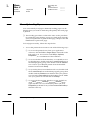
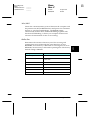
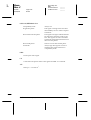
OneTouch mode 1
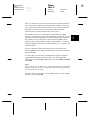
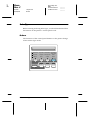
To enter OneTouch mode 1, press the SelecType button
(repeatedly if necessary) until the light next to Paper Source
comes on, indicating the printer is now in OneTouch mode 1. The
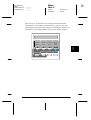
current OneTouch mode 1 settings for Paper Source, Page Size,
Manual Feed and Orientation are shown on the display above the
corresponding setting. For example, 3RUW or /DQG is shown
above Orientation.
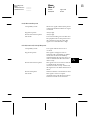
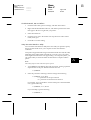
Paper Source
Specifies whether paper feeds into the printer from the MP Tray,
the paper cassette, or the optional 500 sheet lower paper cassette
(if installed). If you select Auto, the paper source containing the
paper that matches the setting in the Page Size menu will be used.
Page Size
Specifies the paper size.
Manual Feed
Turns Manual Feed on or off for the MP Tray. For details of how
to use the Manual Feed mode, see "Selecting the MP tray as the
paper source", page 2-2.
Orientation
Specifies whether the page is printed in portrait or landscape
orientation. This page is printed in portrait orientation.
5-14
SelecType