1
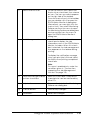
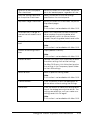
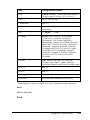
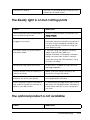
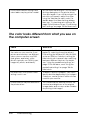
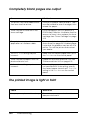
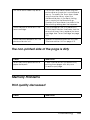
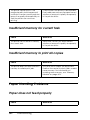
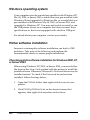
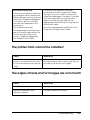
Paper does not feed from the optional paper
cassette
Cause
What to do
The optional paper cassette may
not be installed properly.
See "Optional Paper Cassette Unit" on
page 289 for instructions on installing an
optional paper cassette unit.
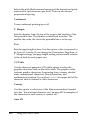
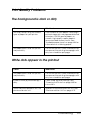
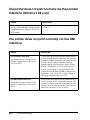
The paper source setting may not
be correct.
Make sure you have selected the proper
paper source in your application.
There may be no paper in the paper
cassette.
Load paper into the selected paper
source.
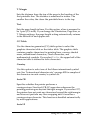
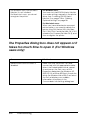
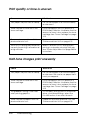
Too many sheets may be loaded in
the paper cassette.
Make sure that you have not tried to load
in with too many sheets of paper. For the
maximum paper capacity for the paper
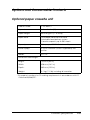
casette, see "Optional paper cassette
unit" on page 43.
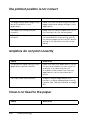
The paper size is not set correctly.
Make sure that the correct paper size is
selected in the Tray Menu on the control
panel.
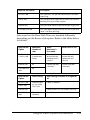
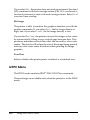
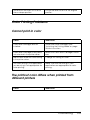
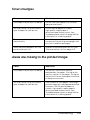
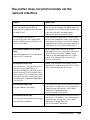
Feed jam when using the optional paper
cassette
Cause
What to do
The paper is jammed at the
optional paper cassette.
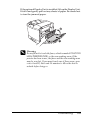
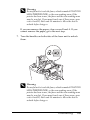
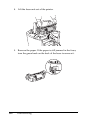
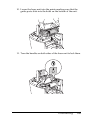
See "Clearing Jammed Paper" on page
345 to clear jammed paper.
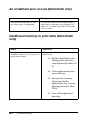
An installed option cannot be used
Cause
384
What to do
Troubleshooting