1
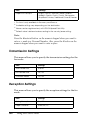
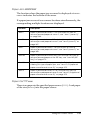
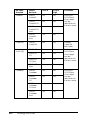
Item
Settings
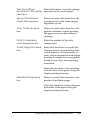
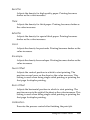
Incoming Mode
Auto switching, Fax only, Phone only, TAM
Auto Reduction Print
On, Off
Attached Phone
Timeout
1 to 99
DRPD
On, Off
9
9
9
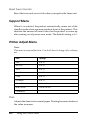
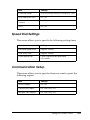
Speed Dial Settings
9
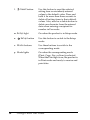
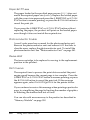
This menu allows you to specify the following setting items.
9
Item
Settings
Individual Speed Dial
Register, Delete
One-Touch Dial
Register, Delete
Clear Speed Dial
Clears registered all speed dial
information.
9
9
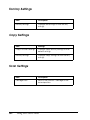
Communication Setup
9
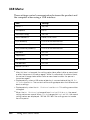
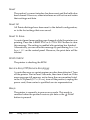
This menu allows you to specify when you want to print the
following reports.
Item
Settings
Activity Report
On, Off
Transmission Report
On, Error Only, Off
Multiple Trans Report
On, Error Only, Off
9
9
9
9
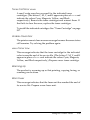
Using the Control Panel
301