1
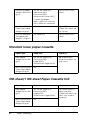
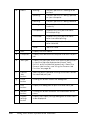
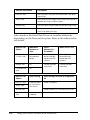
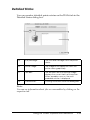
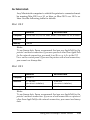
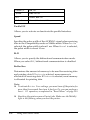
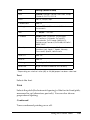
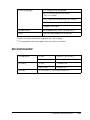
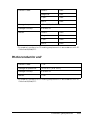
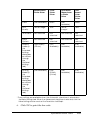
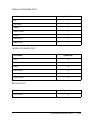
MP tray
Lower Cassette 1
Lower Cassette 2
Lower Cassette 3
3
3
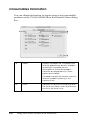
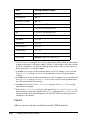
With 550-sheet Paper Cassette Unit and 1100-sheet Paper
Cassette Unit installed:
3
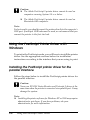
MP tray
Lower Cassette 1
Lower Cassette 2
Lower Cassette 3
Lower Cassette 4
3
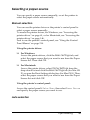
Note:
❏ If you make paper size settings or paper source settings in your
application, these settings may override the printer driver settings.
❏ If you select an envelope for the Paper Size setting, it can be fed only
from the MP tray regardless of the Paper Source setting.
3
3
3
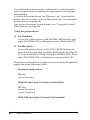
❏ You can change the priority of the MP tray by using the MP Mode
setting in the control panel’s Setup Menu. For details, see "Setup
Menu" on page 224.
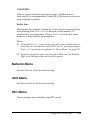
Using the printer’s control panel:
3
Access the control panel’s Setup Menu, and select Paper Source,
then select Auto.
3
3
Loading Paper
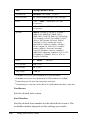
This section describes how to load paper. If you use special media
such as transparencies or envelopes, see also "Printing on Special
Media" on page 53.
Paper Handling
ew
N
:d
ltu
n
cesary
ifo
m
tn
45
3
3