1
Operating the Control Panel
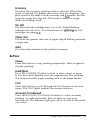
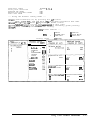
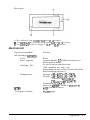
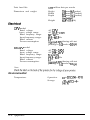
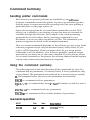
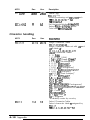
The printer control panel gives you easy control over most
common printer operations. It consists of indicator lights and
buttons.
0 Data
0 Paper Out
0
Pause
f-l7
rl
I
Indicator lights
Pause
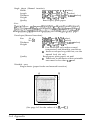
On when printing is paused
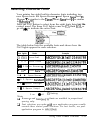
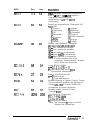
Font
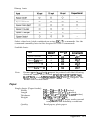
Indicate the current font setting. These three lights go on and
off when you press the Font button. The font menu on the
control panel helps you determine which font is selected. For
instructions on selecting fonts, see page 2-11.
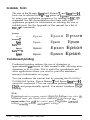
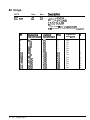
Condensed
On when the condensed printing mode is selected. When this
mode is selected, the printer prints a condensed version of
selected fonts. See page 2-12 for more information.
2-6
Using Other Printer Functions