1
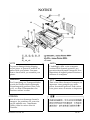
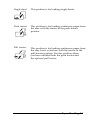
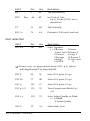
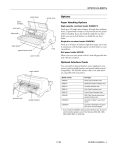
Buttons
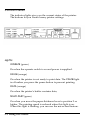
PAUSE
Press this button to temporarily stop printing. Press this button
again to resume printing.
LOAD/EJECT
Press this button to load single-sheet or continuous paper to
the loading position. However, the printer normally loads
paper automatically. If single-sheet paper is already in the
loading position, use this button to eject the sheet. If
continuous paper is in the loading or tear-off position, press
this button to feed it backward to the standby position.
LF/FF (line feed/form feed)
Press this button briefly to feed the paper forward one line.
Hold this button down to eject a single sheet of paper or
advance continuous paper to the top of the next page. You can
also use this button to load a single sheet of paper from the
cut-sheet feeder or to feed continuous paper from the standby
position to the loading position.
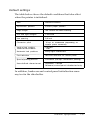
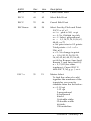
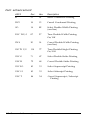
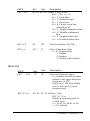
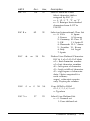
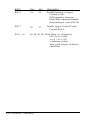
ALT
Use this button in combination with other buttons to perform
the following tasks:
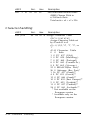
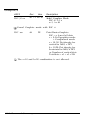
BUFFER CLEAR (PAUSE)
Clears the printer’s buffer and
initializes the printer settings.
Note:
To clear the buffer but save the top-of-form setting, press the PAUSE
button; then press the LF/FF button to advance the paper to the top of
the next page; and then press the ALT and PAUSE buttons at the same
time.
3-4 Using the Printer