1
L
R4C428_V2
long.bk
Rev_C
A5 size
1/14/00
TRBLE.FM
Pass 2
Proof Sign-off:
tantoname
leadername
editorname
_______
_______
_______
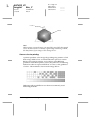
Status Monitor 3
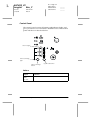
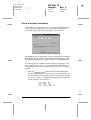
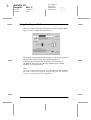
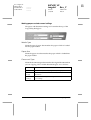
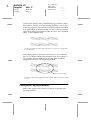
The Status Monitor 3 utility provides status messages and a
graphic display showing the current state of the Stylus Scan.
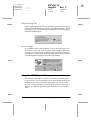
If a problem occurs while printing, an error message appears in
the Progress Meter window.
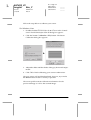
When the ink is out, click the How To button in the Status Monitor
or Progress Meter window and EPSON Status Monitor 3 will lead
you step-by-step through the cartridge replacement procedure.
Running a printer operation check
Performing a printer operation check can help you determine
whether the problem comes from the EPSON Stylus Scan or your
computer.
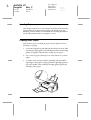
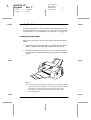
To print a printer operation check page, follow these steps.
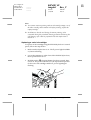
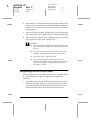
1. Make sure both the Stylus Scan and the computer are turned
off.
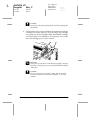
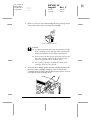
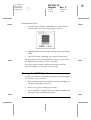
2. Disconnect the cable from the Stylus Scan’s interface
connector.
12-4
Troubleshooting