1
L
R4C428_V2
long.bk
Rev_C
A5 size
1/14/00
SOFTM.FM
Pass 2
Proof Sign-off:
tantoname
leadername
editorname
_______
_______
_______
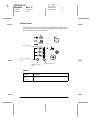
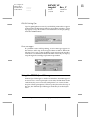
Printing posters
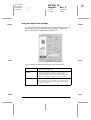
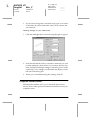
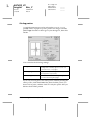
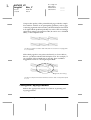
A single document page can be enlarged to cover 4, 9, or 16
printed sheets of paper. To print a poster-size image, select the
Multi-Page check box in the Page Layout dialog box, then click
Poster.
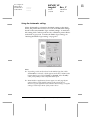
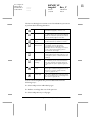
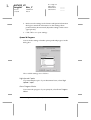
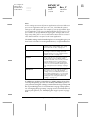
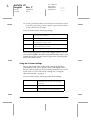
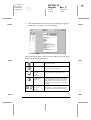
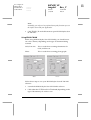
You can make the following settings.
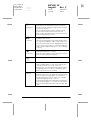
1 Page covers xx sheets
Specifies how many printed pages the
enlarged document page is to cover. You
can select 4, 9, or 16 pages.
Overlapping Panels
Slightly overlaps the images so that they can
be aligned more precisely.
Print Cutting Guidelines
Prints border lines on the images to guide
you when trimming the pages.
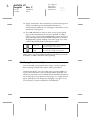
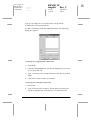
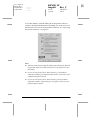
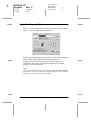
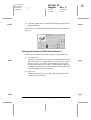
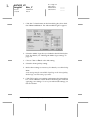
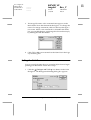
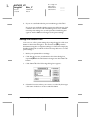
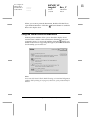
If you only want to print a few of the panels without printing the
entire poster, click Panel Selection, then click the panels you
don’t wish to print, and then click OK. Only the panels that you
did not click will be printed.
6-16
Using the Printer Software for Macintosh