1
Troubleshooting
6.0
Problem Resolution
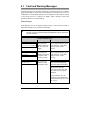
Should a problem arise, the information in this section will help you resolve it.
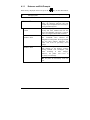
The following table lists problems that will not necessarily generate an error
message. (For information on displayed messages, see Section 6.1.)
☞
If you have questions, or if problems persist, contact a qualified
technician or Datamax Technical Support.
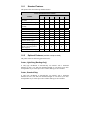
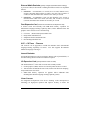
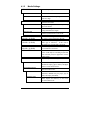
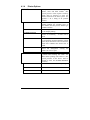
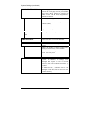
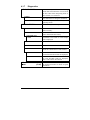
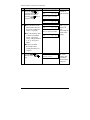
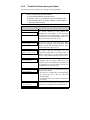
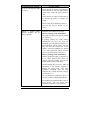
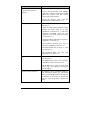
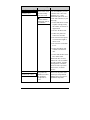
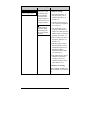
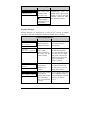
If experiencing this proble m…
Try this solution…
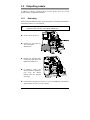
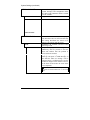
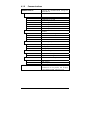
Can not communicate through
the parallel port:
Observe the Ready Indicator as the format is
sent to the printer. If it does not flash, check
the parallel cable type. Also check the
protocol and port settings of the printer and
host.
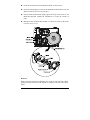
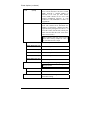
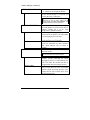
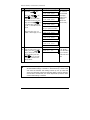
Can not load media through
the optional cutter:
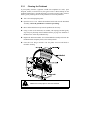
WARNING! Use extreme care. Turn ‘Off’
and unplug the printer before proceeding.
Ensure that the cutter and cutter cable are
properly installed. Plug in and turn ‘On’ the
printer. You should hear the cutter blade
rotate and position itself properly. However,
if the problem continues call for service.
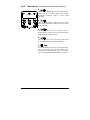
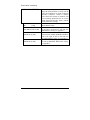
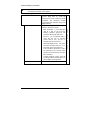
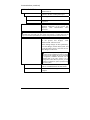
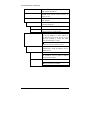
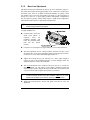
The LCD is blank, but the
Ready Indicator is ‘On’:
The display contrast may set too low. Press
and hold the MENU Key for 10 seconds or
until the display reappears.
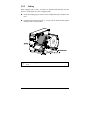
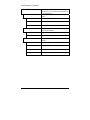
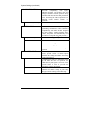
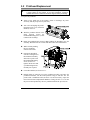
Erratic feeding:
The printer may require a Quick Media
Calibration; see Section 3.4.
I-Class
89