1
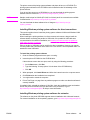
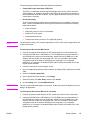
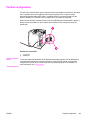
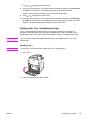
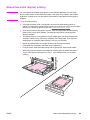
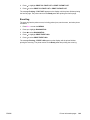
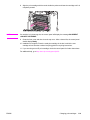
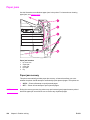
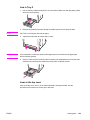
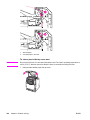
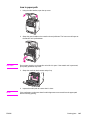
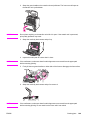
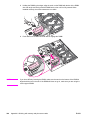
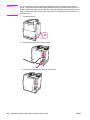
6. Open the fuser cover and remove any media that is crumpled in the fuser.
NOTE
If the media tears, make sure that all media fragments are removed from the paper path
before resuming printing. Do not reach into the fuser until it has cooled.
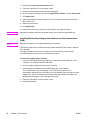
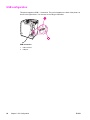
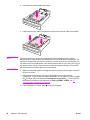
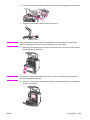
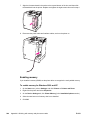
7. Firmly press down on the two green handles on either side of the fuser to re-engage the
fuser rollers.
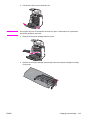
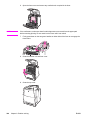
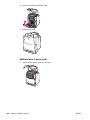
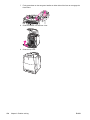
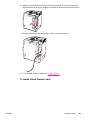
8. Close the transfer unit and front cover.
9. Close the top cover.
166
Chapter 8 Problem solving
ENWW