1
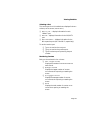
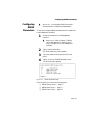
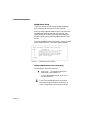
Viewing Statistics
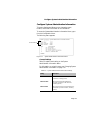
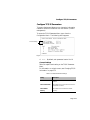
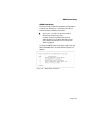
Selecting a Port
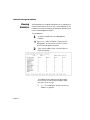
The current port for which statistics are displayed is shown
at the top of the screen (next to Port:).
❏
❏
❏
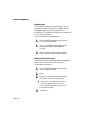
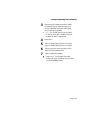
Ports 1 – 24 — displays information for each
10Base-T port.
Port 25 — displays information for the 10/100TX
port.
Ports 26 and 27 — displays information for the
MII expansion ports (MII 1 and MII 2, respectively).
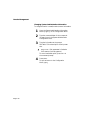
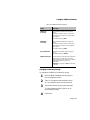
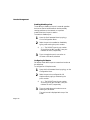
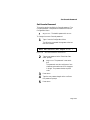
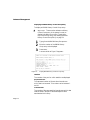
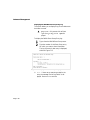
To monitor another port:
❏ Type n to monitor the next port.
❏ Type p to monitor the previous port.
❏ Type l to select a port by entering the port
number.
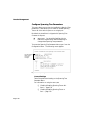
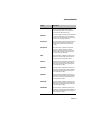
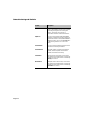
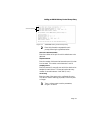
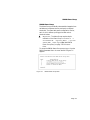
Monitoring Counters
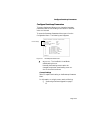
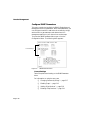
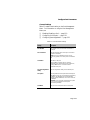
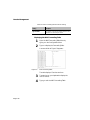
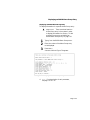
Each port is monitored in four columns:
❏ Curr ent/per second
Displays the number of counter occurrences
each second.
❏ Peak/per second
Displays the largest number of counter
occurrences since opening or resetting the
screen.
❏ A verage/per second
Displays the average number of counter
occurrences since opening or resetting the
screen.
❏ Total
Displays the total number of counter occurrences since opening or resetting the
screen.
Page 6-5