1
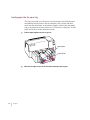
Aligning the ink cartridges
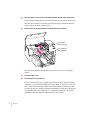
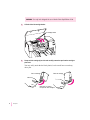
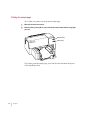
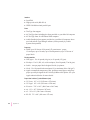
Each time you install a new ink cartridge, you need to follow these steps:
1
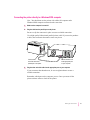
If necessary, turn on the printer.
The green power light should be on.
IMPORTANT If the orange resume light blinks, the ink cartridges are not
installed properly. Turn the printer off. Then follow the steps in “Installing
the Ink Cartridges” in Chapter 1.
2
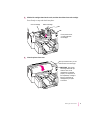
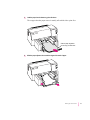
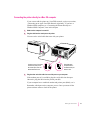
Make sure there is plain paper in the paper tray.
3
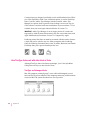
Open the Read Me file that was installed with your printer software.
4
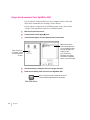
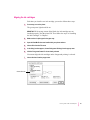
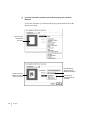
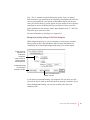
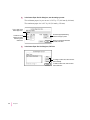
Choose Print from the File menu.
5
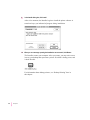
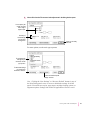
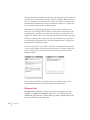
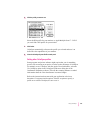
In the dialog box that appears, choose Background Printing from the pop-up menu.
6
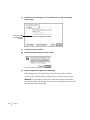
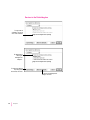
Click the Foreground button if it is not already selected.
You cannot align the ink cartridges unless foreground printing is selected.
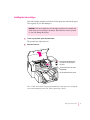
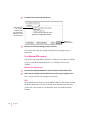
7
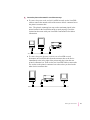
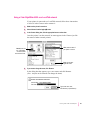
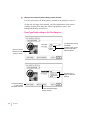
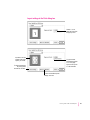
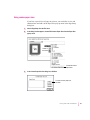
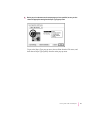
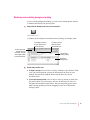
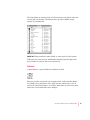
Choose Services from the pop-up menu.
Choose Services
Printing From a Mac OS Computer
27