1
Broadband Wireless Router (AP) User Manual
TCP/IP Configuration
By default, the Broadband Wireless Router (AP) operates as a DHCP server for the client PCs
on the LAN. In order to access the Internet through the router, each host on your network
must have TCP/IP installed and set up to obtain dynamic IP addresses. The following
describes the procedures for client PCs to get IP addresses:
For Windows 98
Step 1
Step 2
Step 3
Step 4
Step 5
Step 6
16
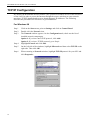
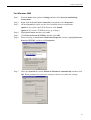
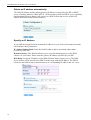
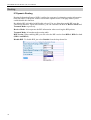
Click on the Start menu, point to Settings and click on Control Panel.
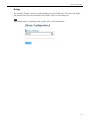
Double-click the Network icon.
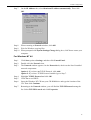
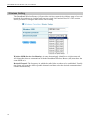
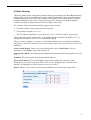
The Network window appears. On the Configuration tab, check out the list of
installed network components.
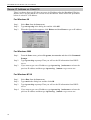
Option 1: If you have no TCP/IP protocol, click Add.
Option 2: If you have TCP/IP protocol, go to Step 6.
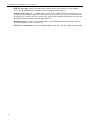
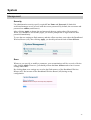
Highlight Protocol and click Add.
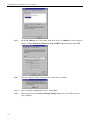
On the left side of the windows, highlight Microsoft and then select TCP/IP on the
right side. Then click OK.
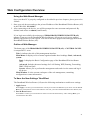
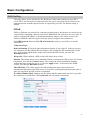
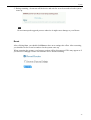
When returning to Network window, highlight TCP/IP protocol for your NIC and
click Properties.